Keep track of when
Your Vacation
Home is in Use
GET STARTED
Manage your vacation home on the go with our new app! Now available!


Get More Enjoyment From Your Vacation Home
What is the Vacation Calendar?
The Vacation Calendar is a shared online calendar and private website for families that share a vacation home. The calendar shows everyone when the house is in use, who is coming, and when there is room for more — and because every family manages their home differently, you set the scheduling rules: who can book vacations, how far in advance, whether stays can overlap, and even whether they need approval before landing on the calendar. Scheduling is just the start. Your vacation home website includes a photo album, house blog, bulletin board, local guide, and guest book to capture everything that makes your home special — plus expense and income tracking, document storage, room booking, and reports to take care of the practical side of sharing a house. Email notifications keep everyone in the loop, and the mobile app for iPhone and Android puts your vacation home in your pocket. Whether you need a beach house calendar, a ski house calendar, a lake house calendar, or a scheduling site for the family homestead, The Vacation Calendar makes sharing a vacation home simple, fair, and a lot more fun. Take a look at everything you get below.
SIGN UP

Organize who is visiting or using your vacation home
Let friends and family see when there are good times to visit or let them see when the house is not being used so your vacation home is used and enjoyed more.


Share information with the house bulletin board, local guide and food lists
Direct all of your guests to a single location that has all of the information about the house and the surrounding area.

Save and share memories of all the enjoyment your vacation home brings
Users can upload photos to the online photo album, share experiences with house blog entries and even say thank you with the new guest book.
Organize your vacation home schedule
Spend more time enjoying your getaway home
Share information on the house bulletin board and house blog
Direct all of your guests to a single location that has all of the house details.
Let friends and family see when they can visit
Allows visitors to see when the house is going to be free.
Organize Your Vacation Home
Every tool your shared home needs
From a fully customizable calendar with approvals and scheduling rules, to photos, blogs and guides, to expenses, documents and reports — it is all here, in one private site just for your house.
Calendar
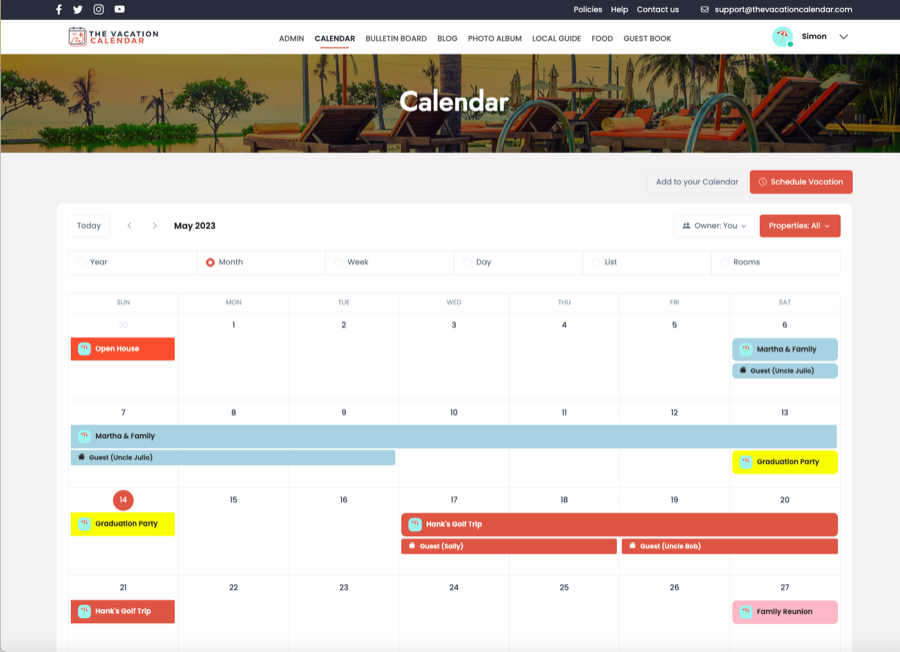
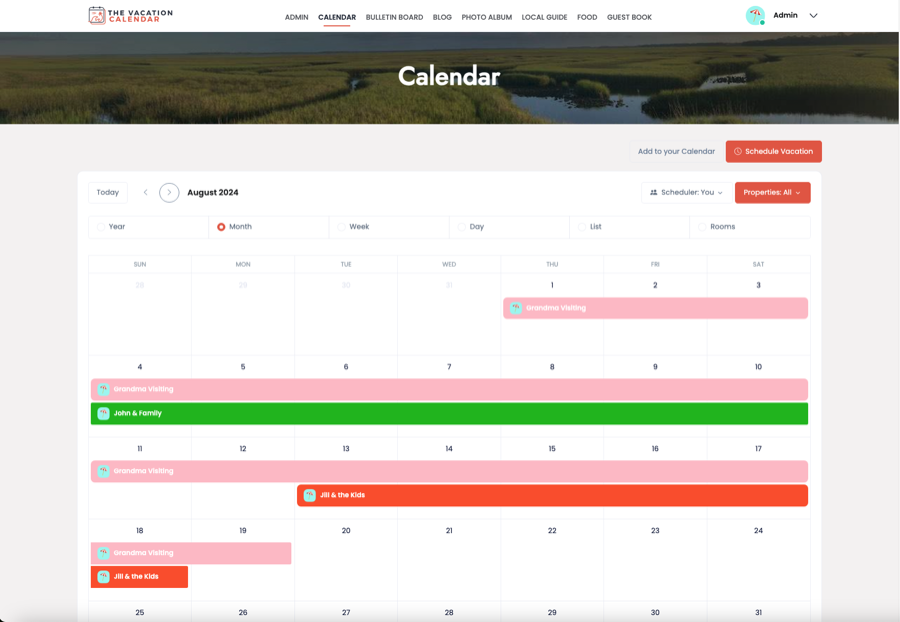
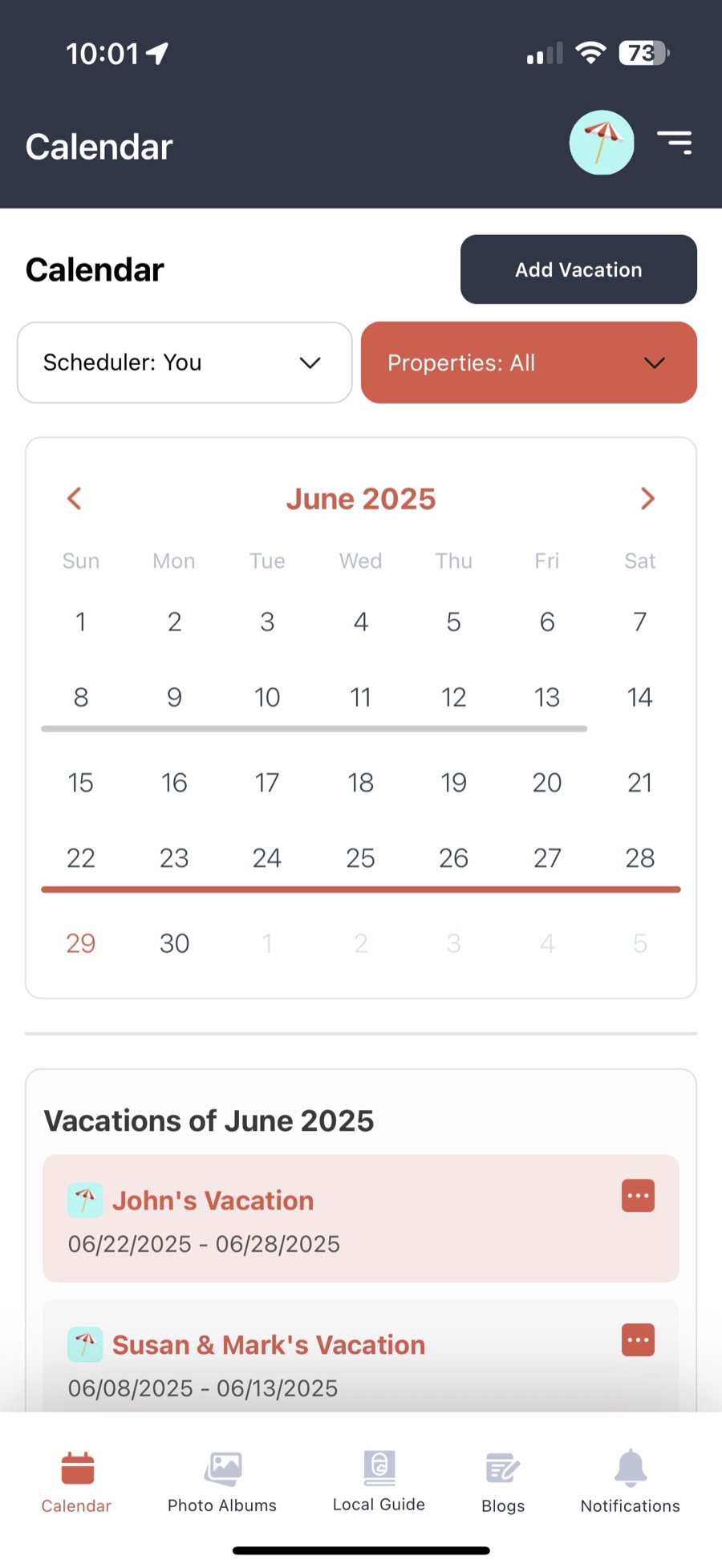
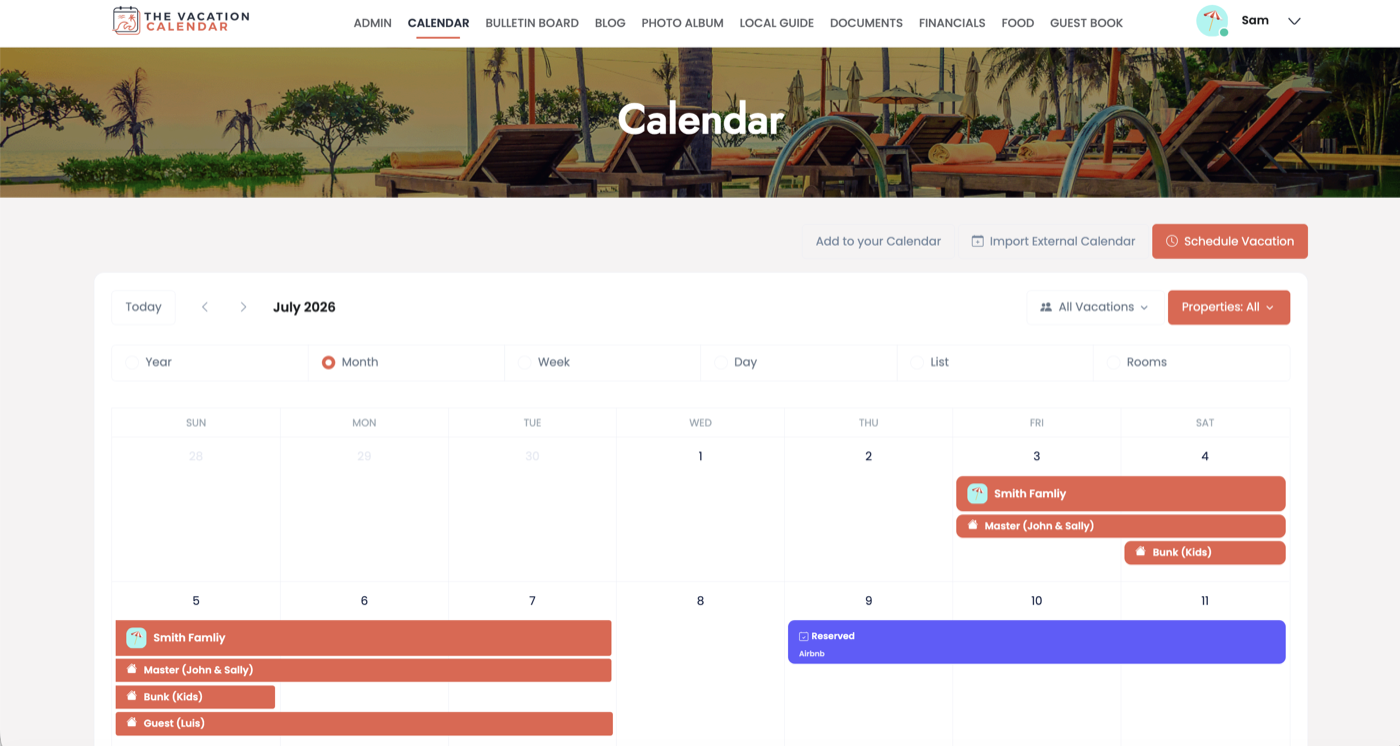
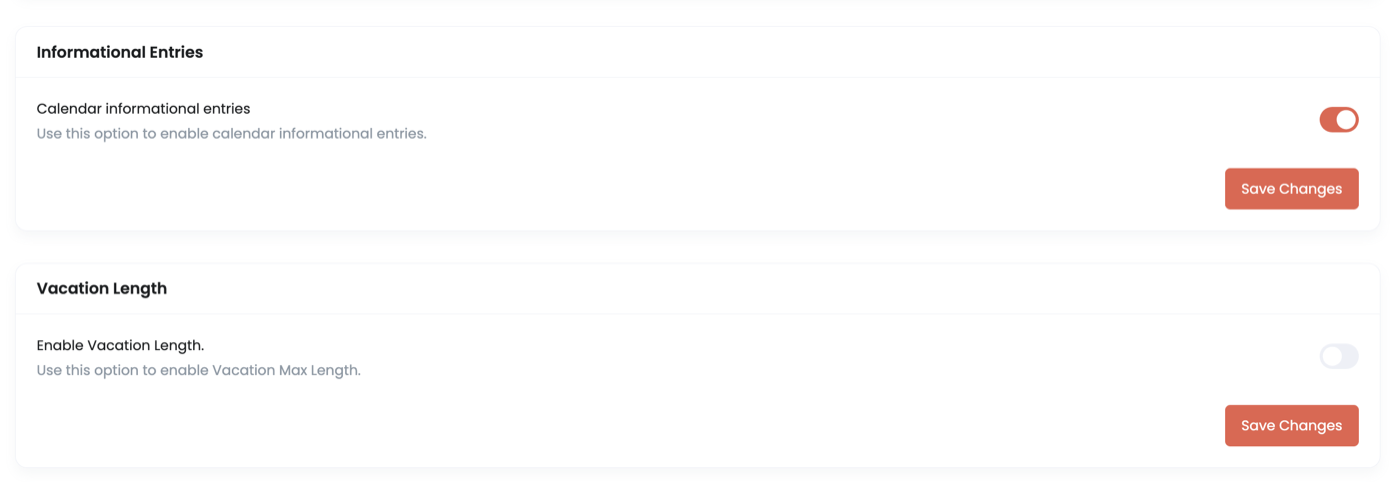
The heart of the site — a shared calendar built for vacation homes. See the whole year at a glance with every family member's vacations color-coded. Best of all, it is highly customizable: scheduling windows, vacation length limits, overlap rules, tasks and reminders — set it up to match exactly how you manage your home.
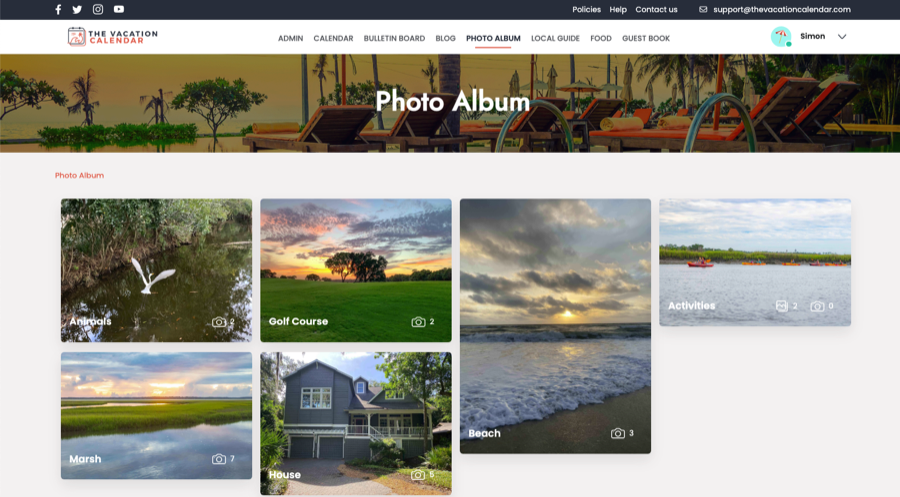
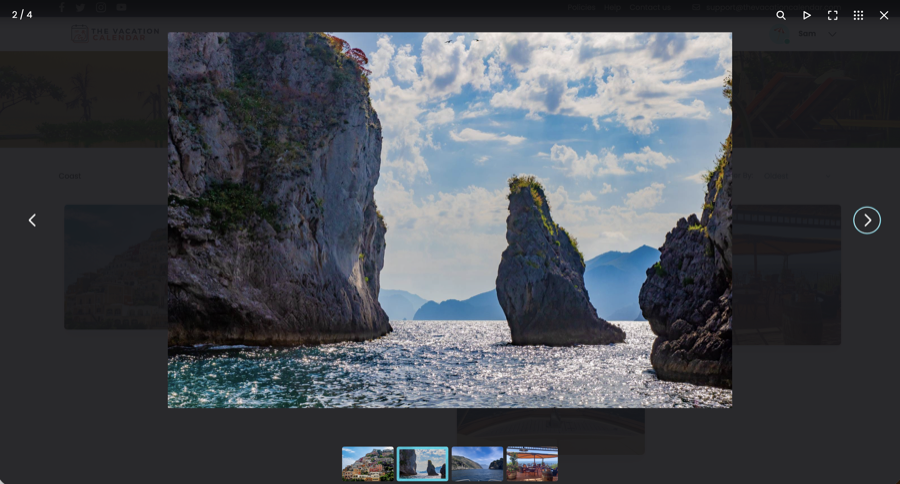
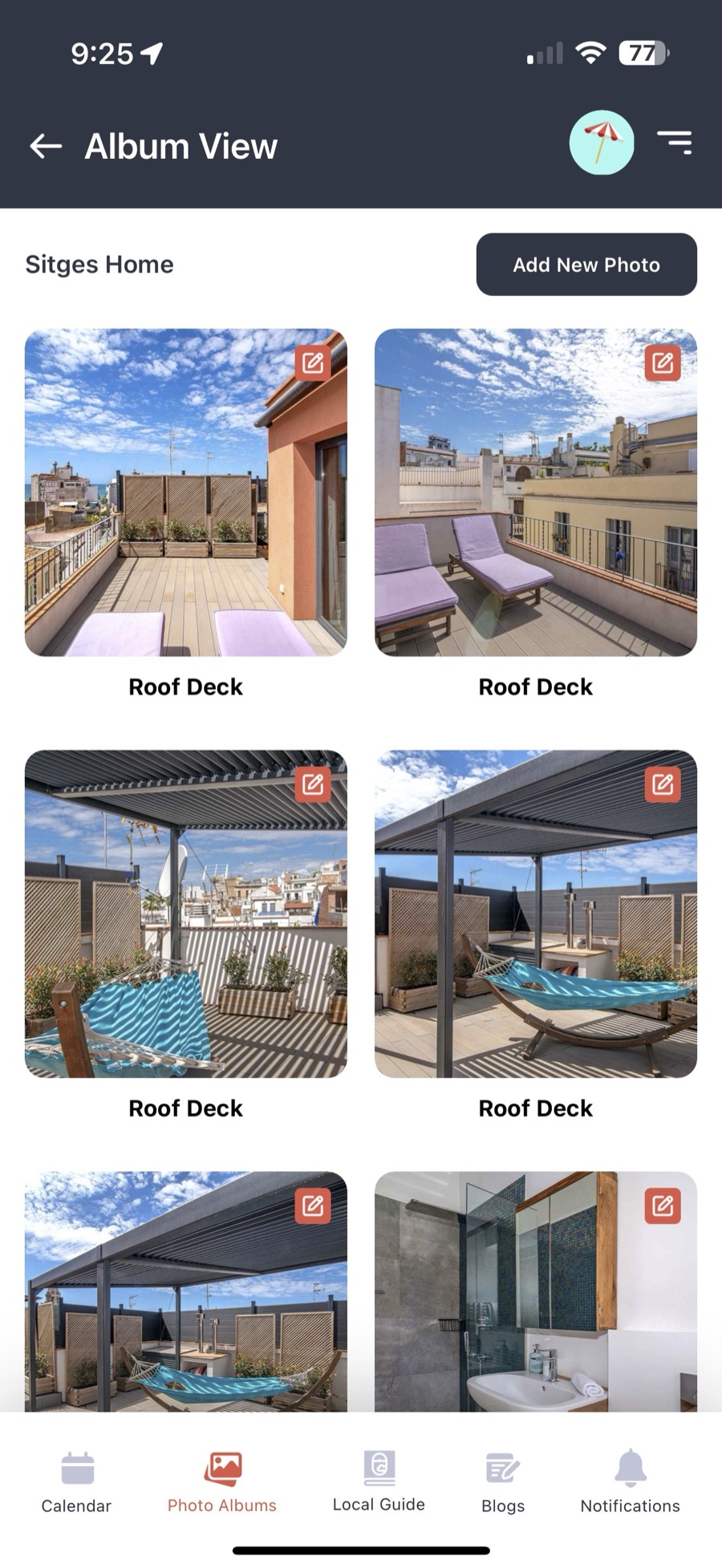
Photo Album
Twenty summers of memories deserve better than a dozen scattered phones. Everyone can upload photos to your house's shared album and organize them by trip, by year, or however your family remembers things. One of the site's most popular features — and it just got a whole lot better.
Local Guide
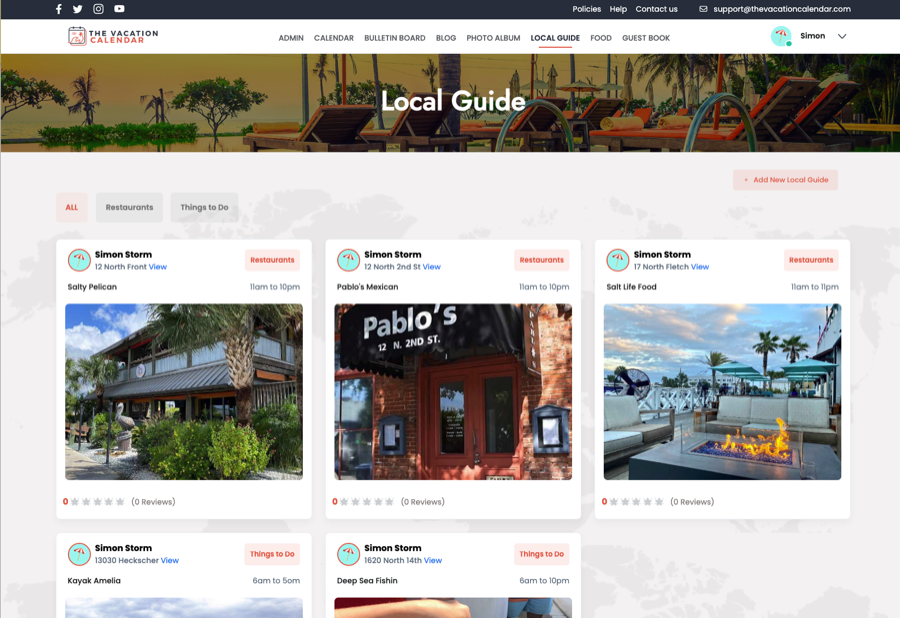
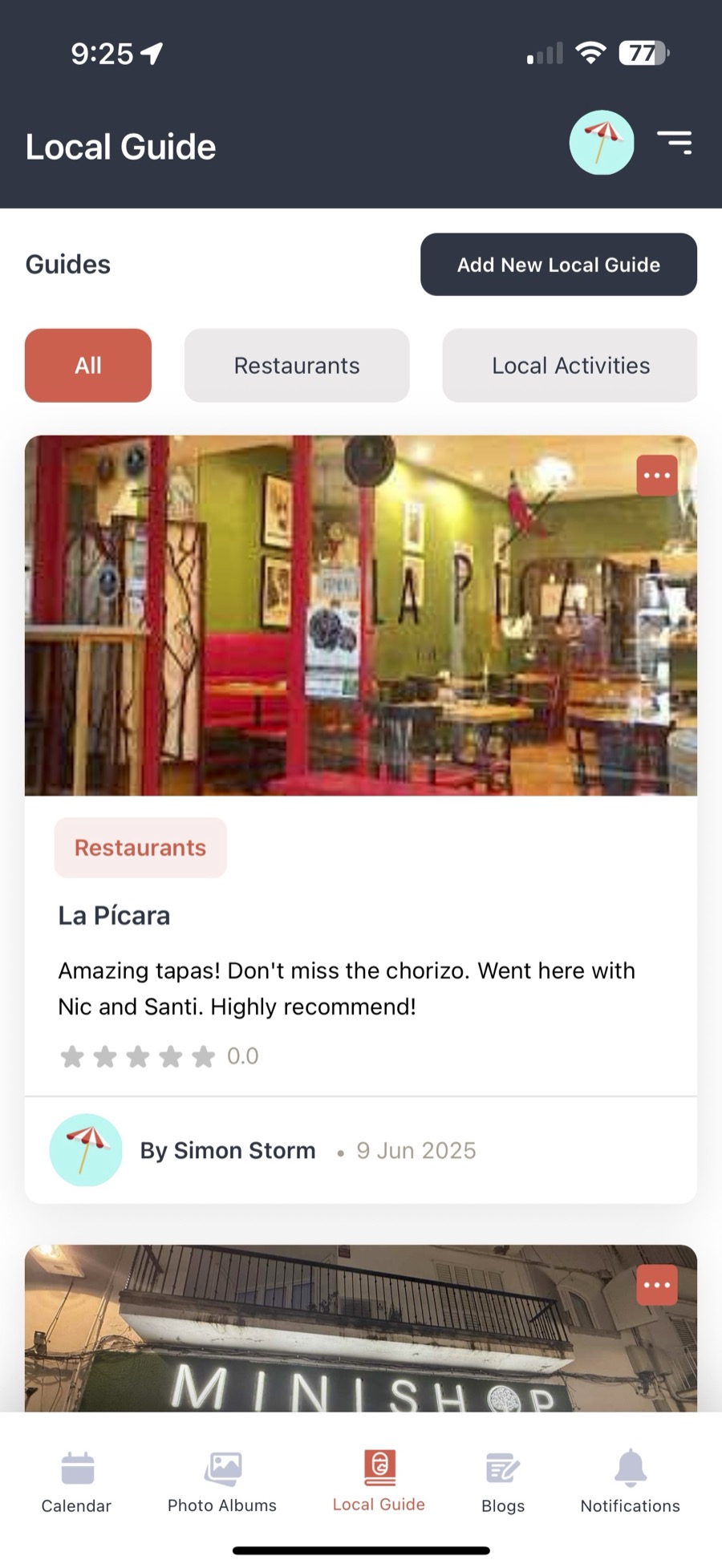
Where's the best breakfast in town? Which beach stays quiet in July? Build a guide book of everything to do, see, and eat around your house. Every entry connects to Google Maps and your users can add ratings — so even first-time guests arrive with the family's inside knowledge.
House Bulletin Board
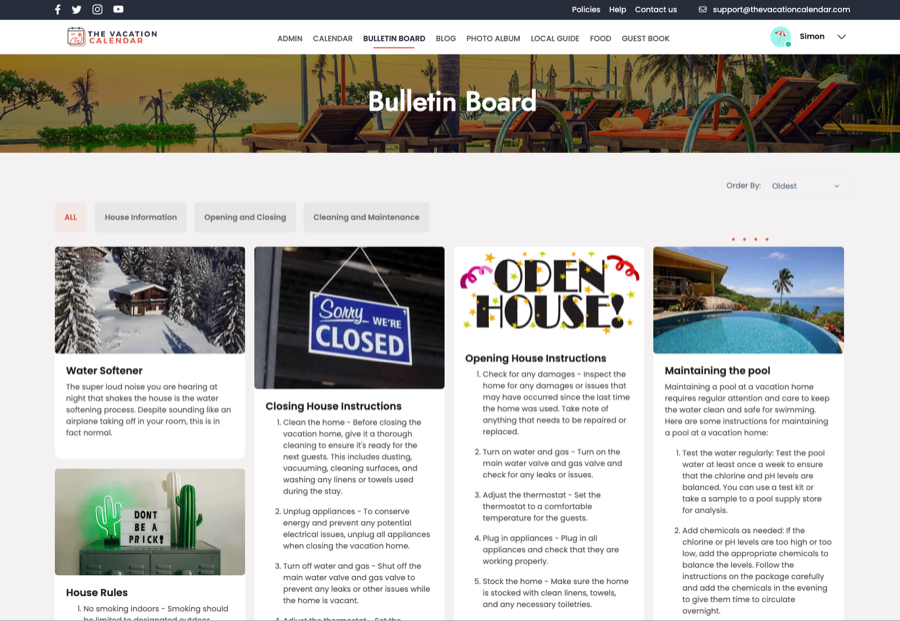
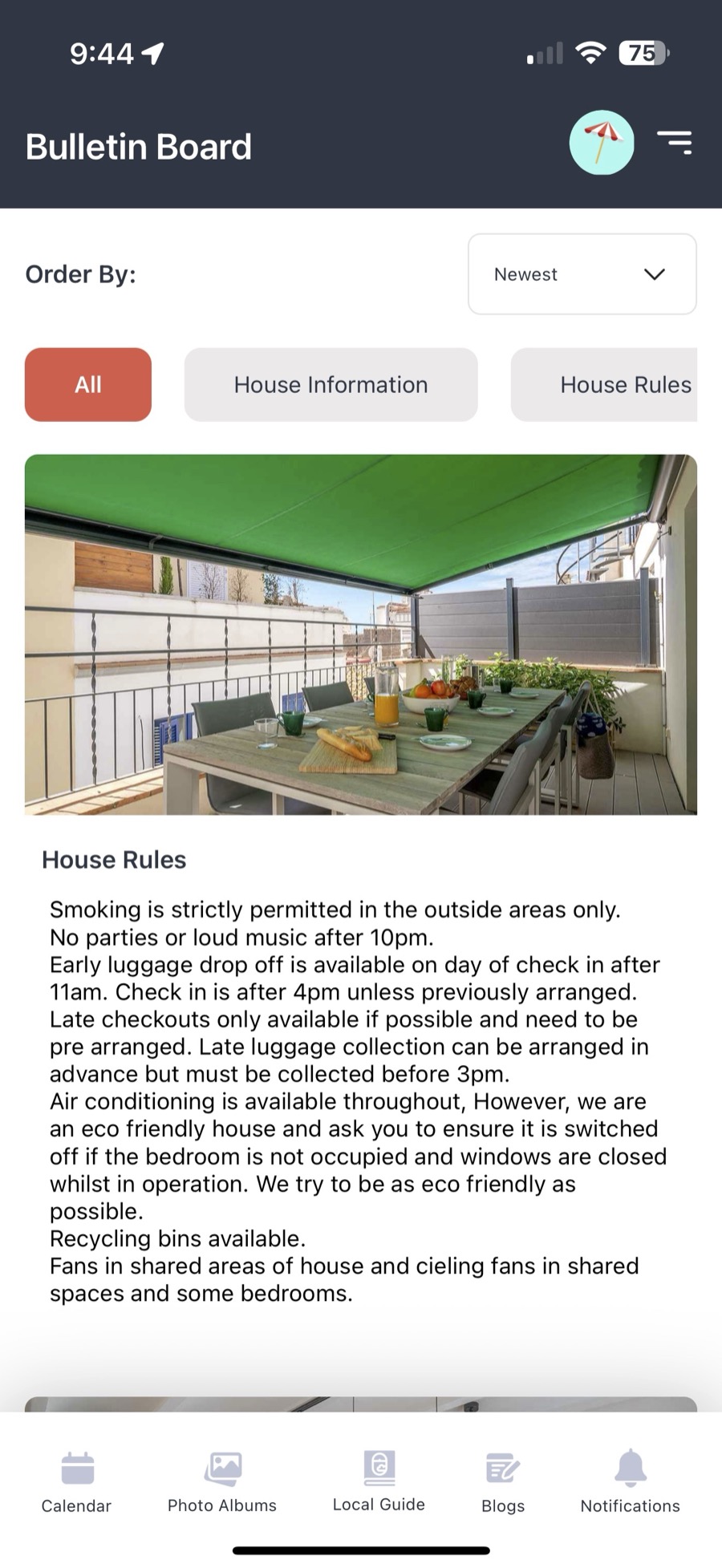
Every vacation home has that one piece of paper — the wifi password, the plumber's number, the "please don't run the dishwasher during a shower" note. The House Bulletin Board puts it all in one place everyone can find: contact information, house instructions, rules, and cleaning services. Never misplaced again.
House Blog
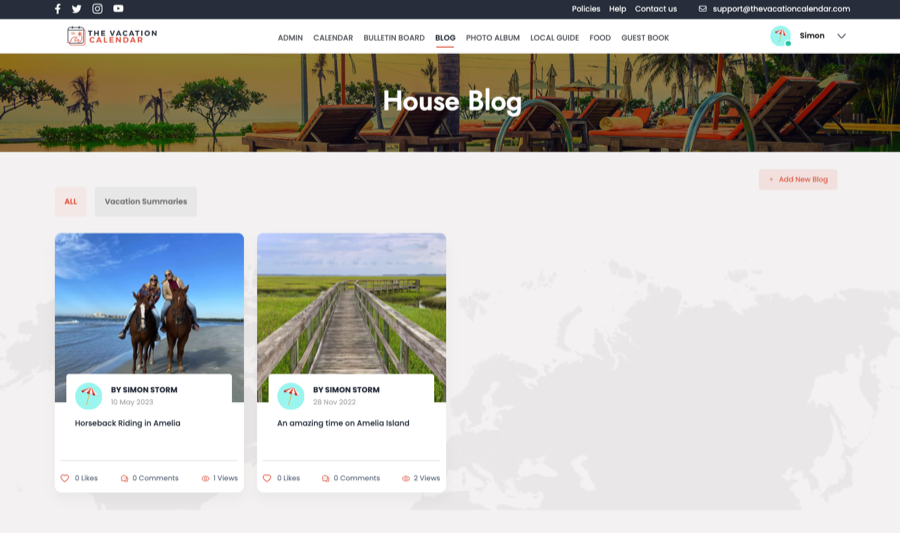
Every house has stories — the record heat wave, the fish that got away, the porch project that took three summers. The House Blog gives everyone a place to share them, while the rest of the family likes and comments along. It keeps everyone connected to the house, even between visits.
Expense & Income Tracking
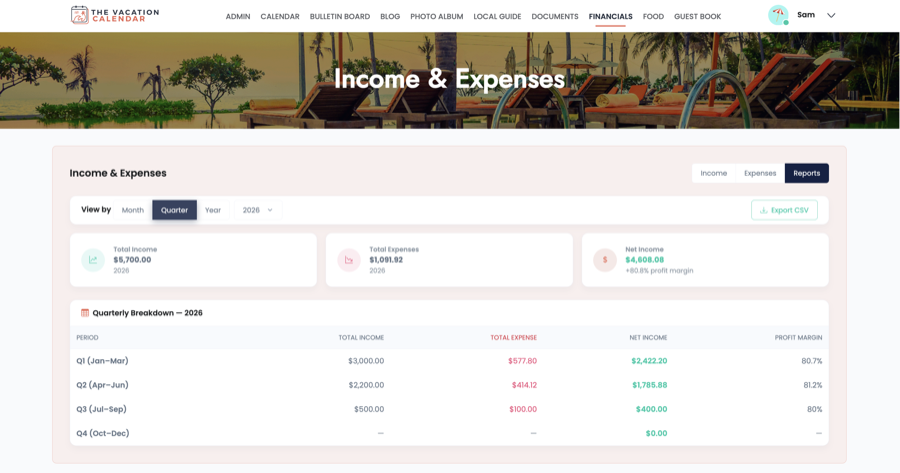
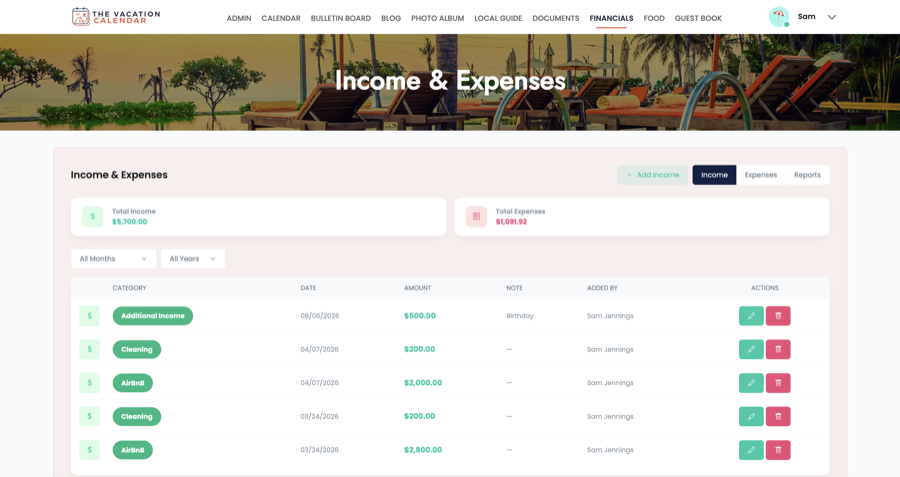
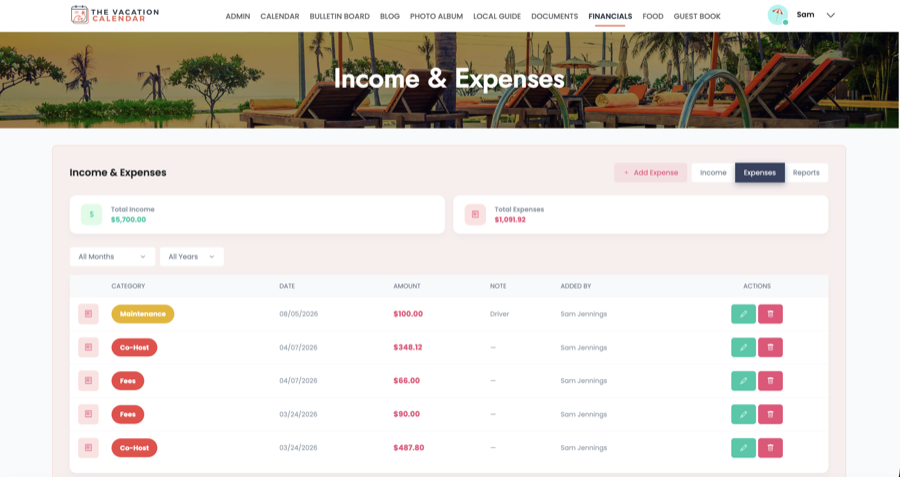
Sharing a vacation home means sharing the bills — and the "who paid for what" spreadsheet never survives the summer. Log expenses right on the site, attach receipts, track rental income, organize spending by category, and export everything when it is time to settle up.
Guest Book
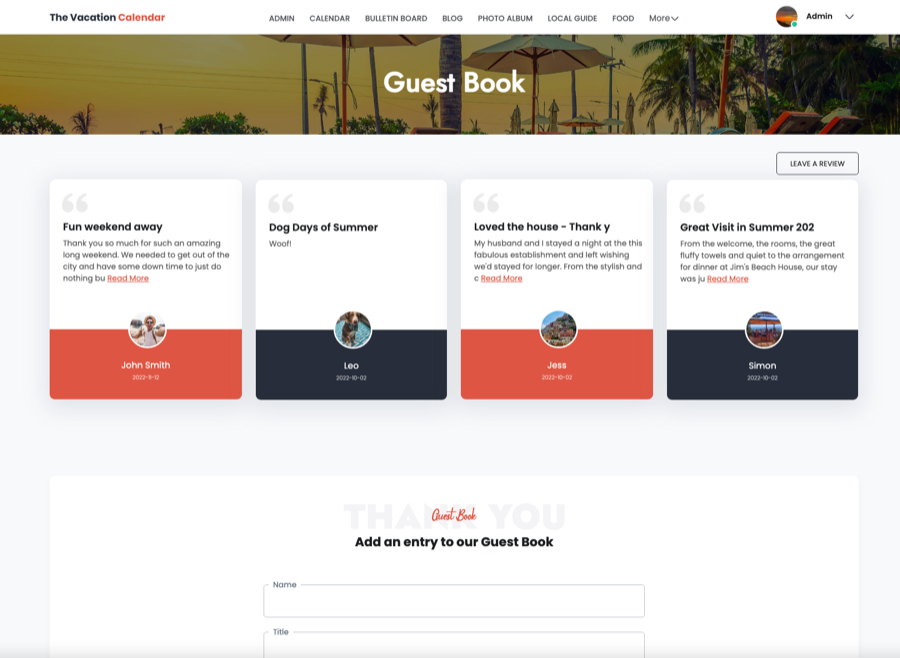
Ask every guest to leave a note after their stay — a thank you, a favorite moment, a promise to come back. Over the years, the Guest Book becomes one of the best things about the house: a running record of everyone who has visited and enjoyed your vacation home.
Document Storage
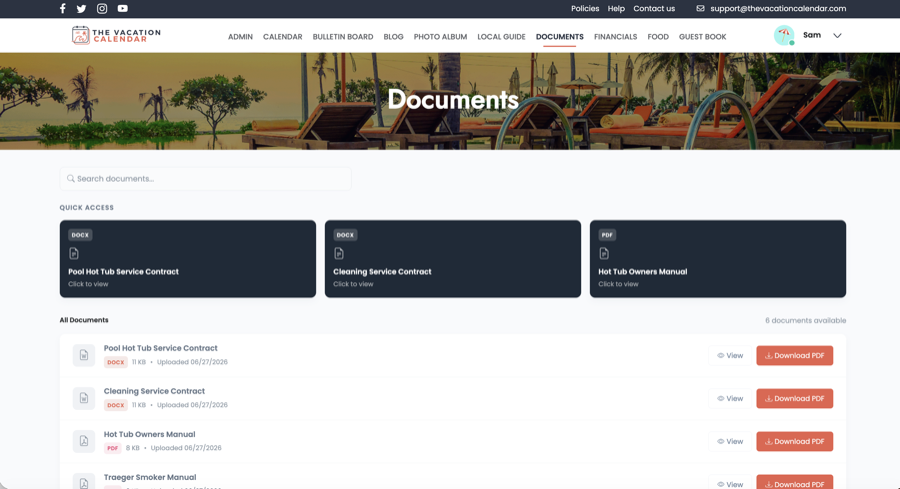
Where is the insurance policy? The appliance manual? Last year's rental agreement? Keep important house documents in one place where the right people can always find them. Documents are viewable right on the site, and the Administrator controls who sees what.
Approvals
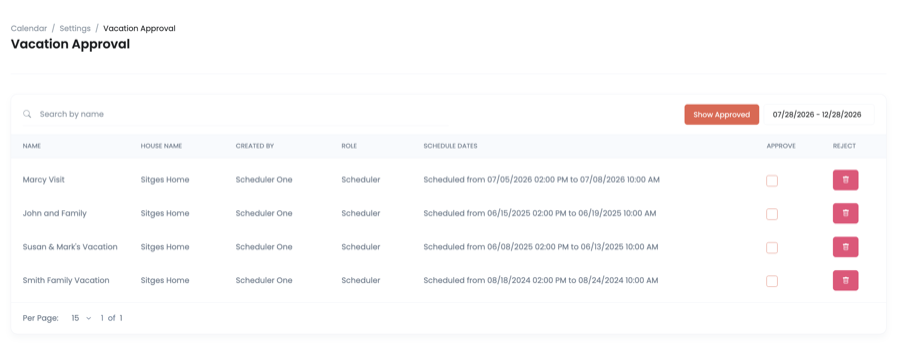
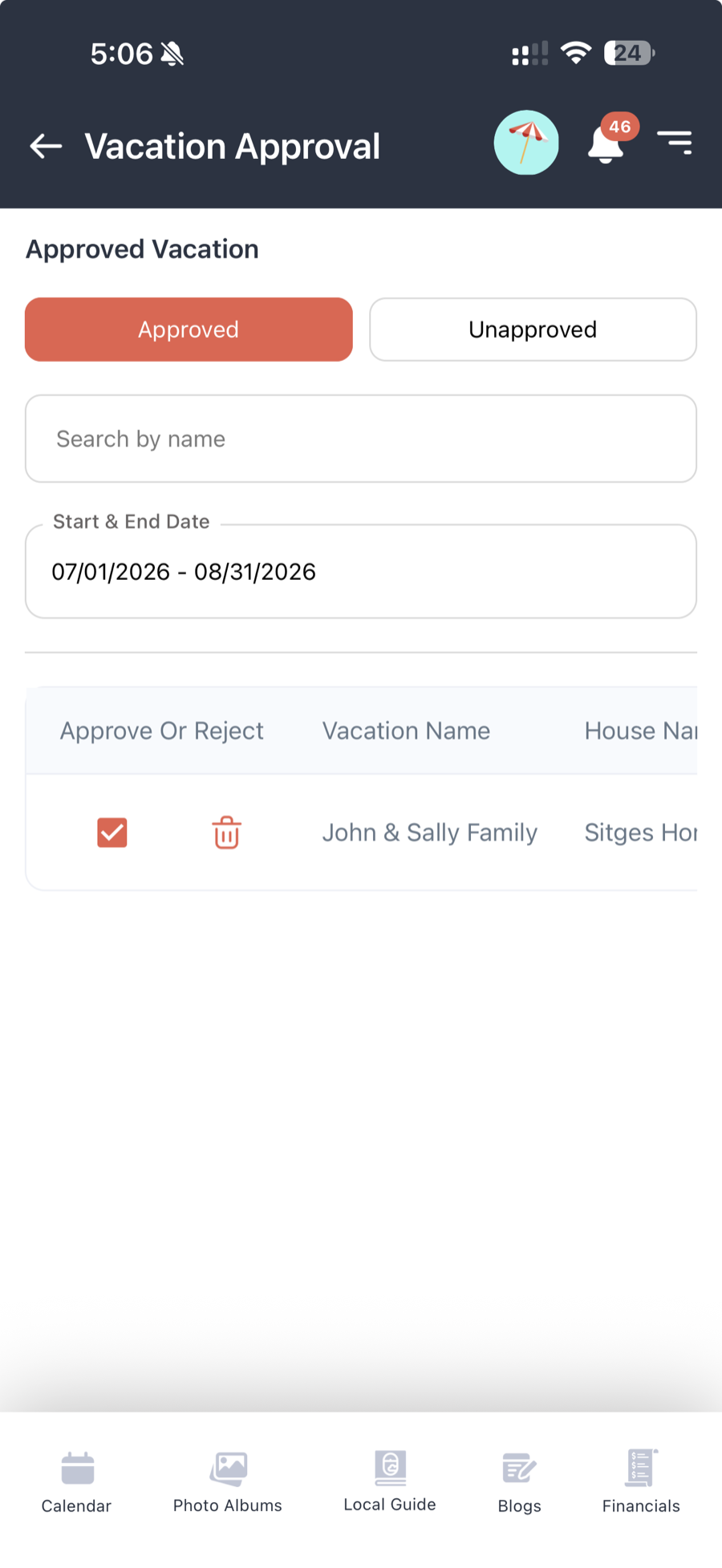
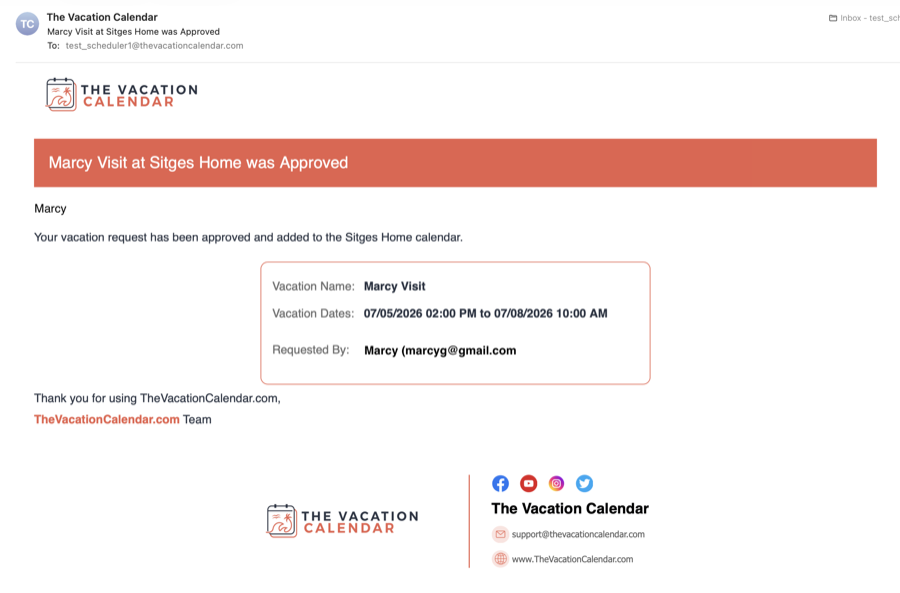
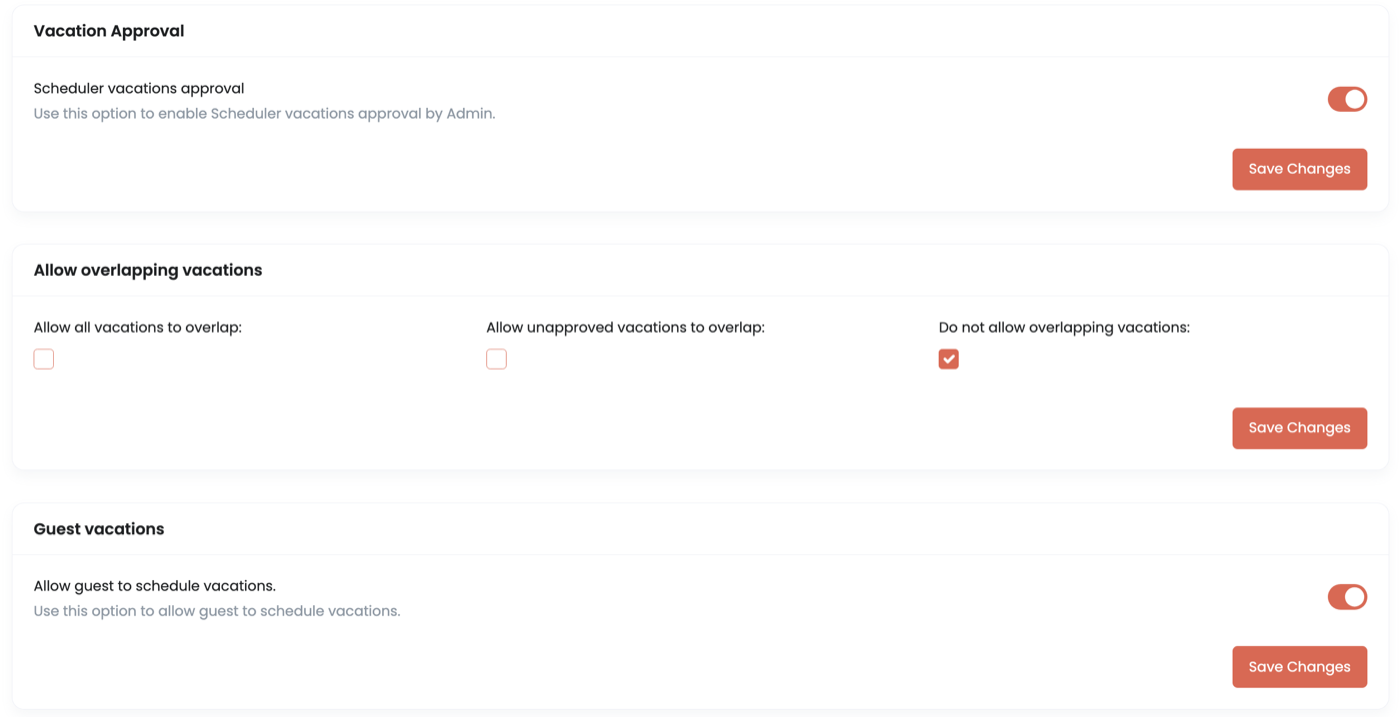
Powerful enough to keep everyone happy. Vacations added by Schedulers can require Administrator approval before they land on the calendar — and you can even let Guests book directly on the calendar using the same approval flow. The Administrator approves, the vacation appears on the calendar, and the guest is emailed automatically. No email back-and-forth, no booking on someone else's behalf.
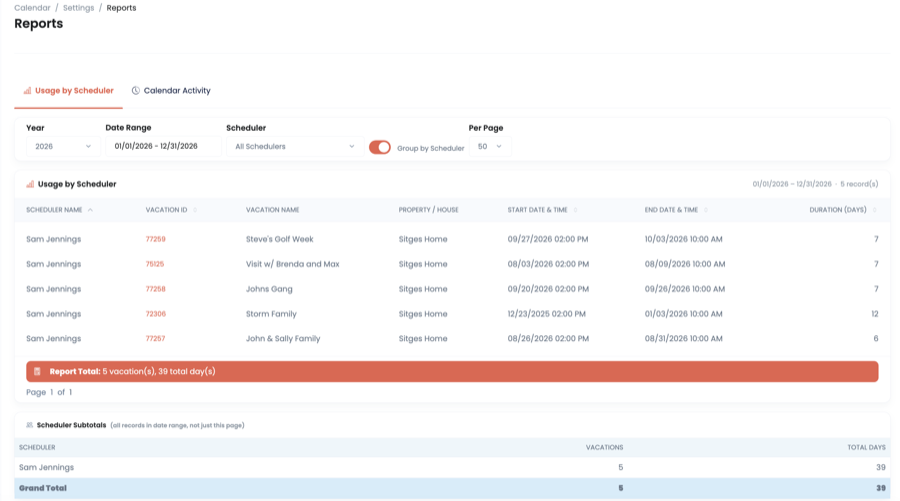
Reporting
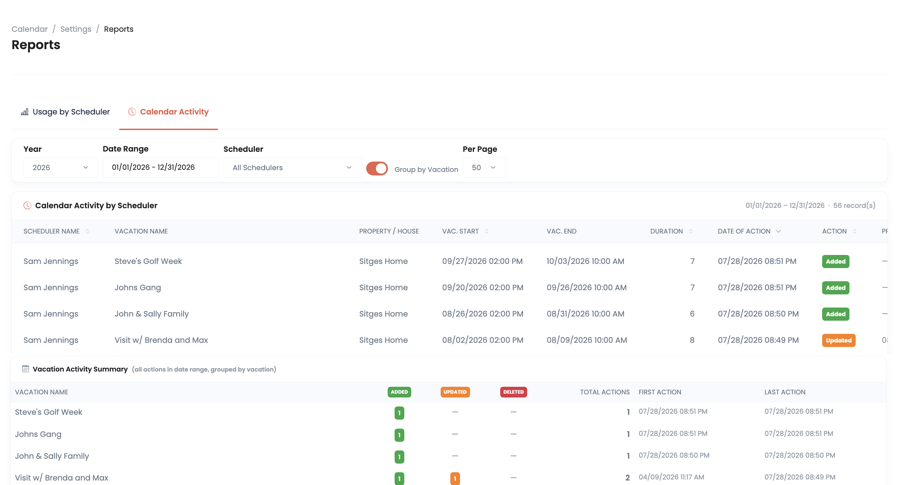
Answer the two big questions every shared house has: who is using it, and what does it cost? Usage reports show how the calendar is really being used, while financial reports break down income versus expenses by month, quarter, or year — perfect for the annual family meeting.
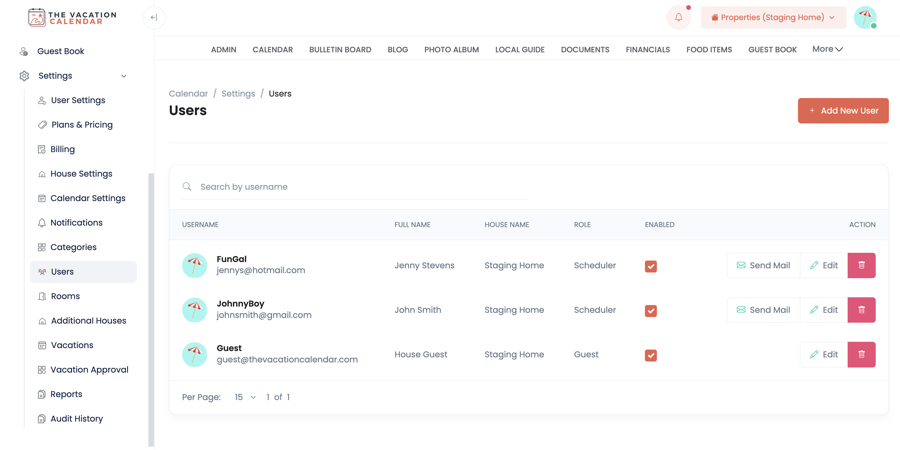
User Management
Give everyone the right level of access. Administrators run the show, Schedulers can book their own vacations (and only their own), and Guests get a simple shared login to view the site and make requests. Adding users, resetting passwords, and disabling access takes seconds.
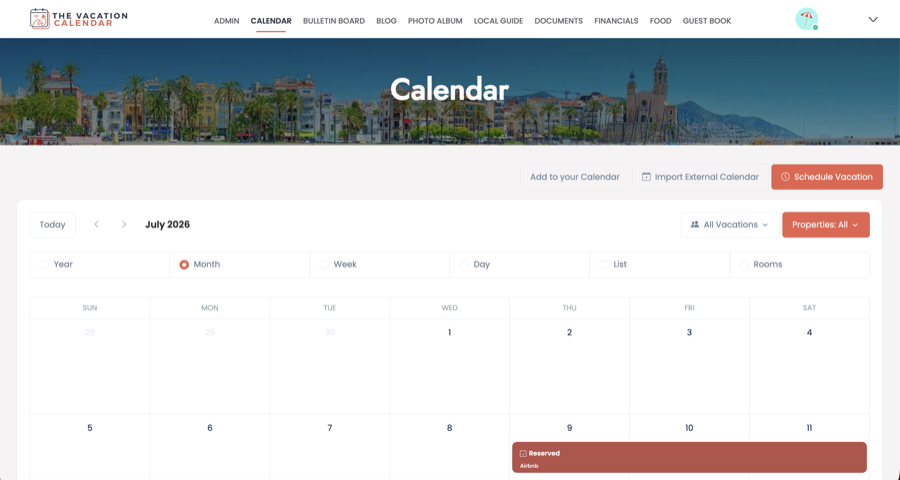
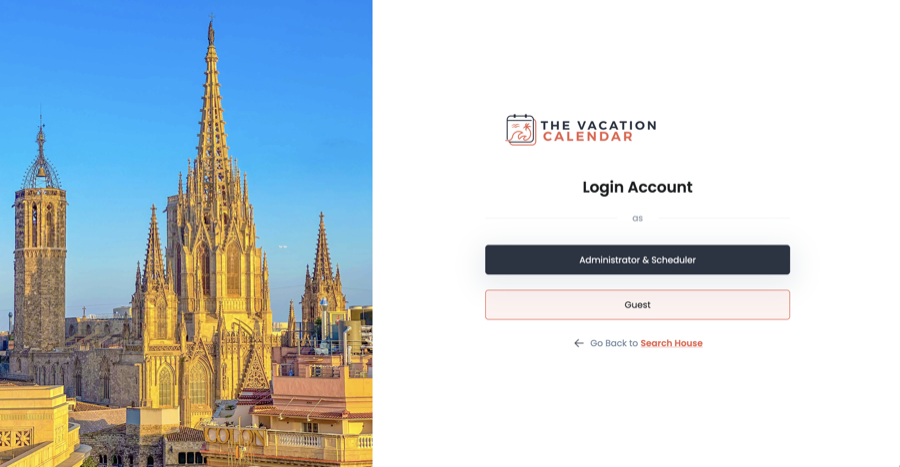
Personalize Your Account
Your vacation home site should feel like your vacation home. Set a custom banner photo across the top of your site, choose the photo that greets your family on the login page, and add profile pictures that show up on vacations and posts. It is the little touches that make it feel like home.
Ready to get your vacation home organized?
GET STARTEDCustomize Your Vacation Home
Booking Rooms
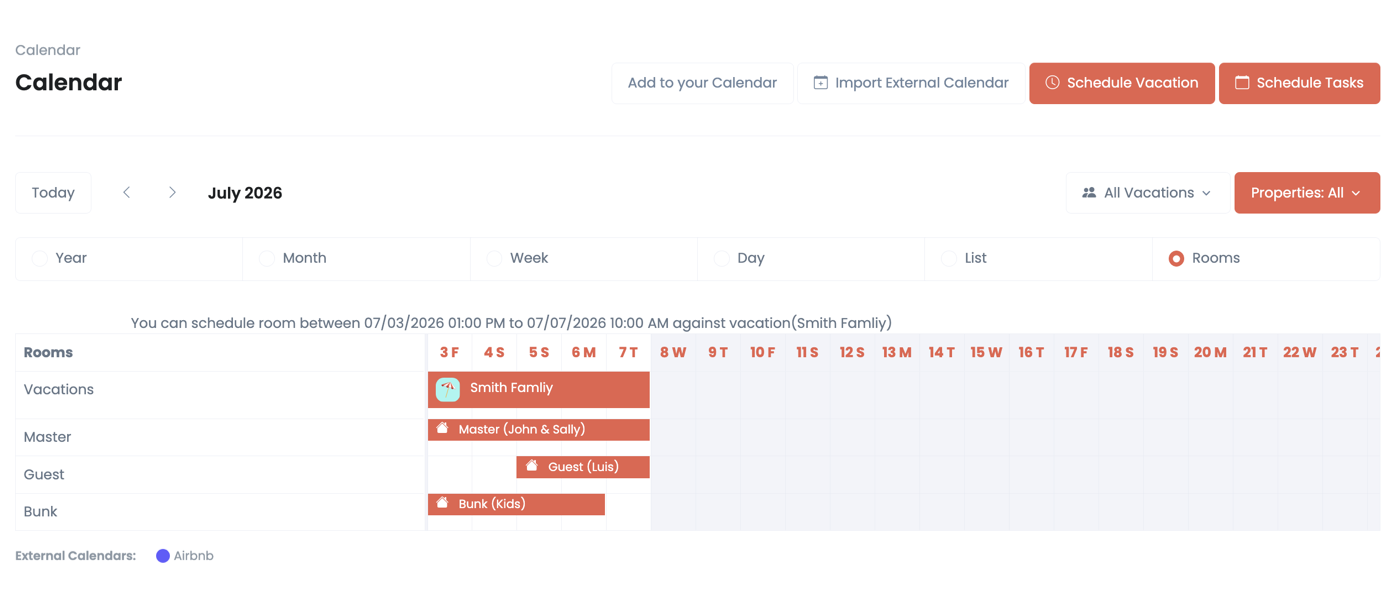
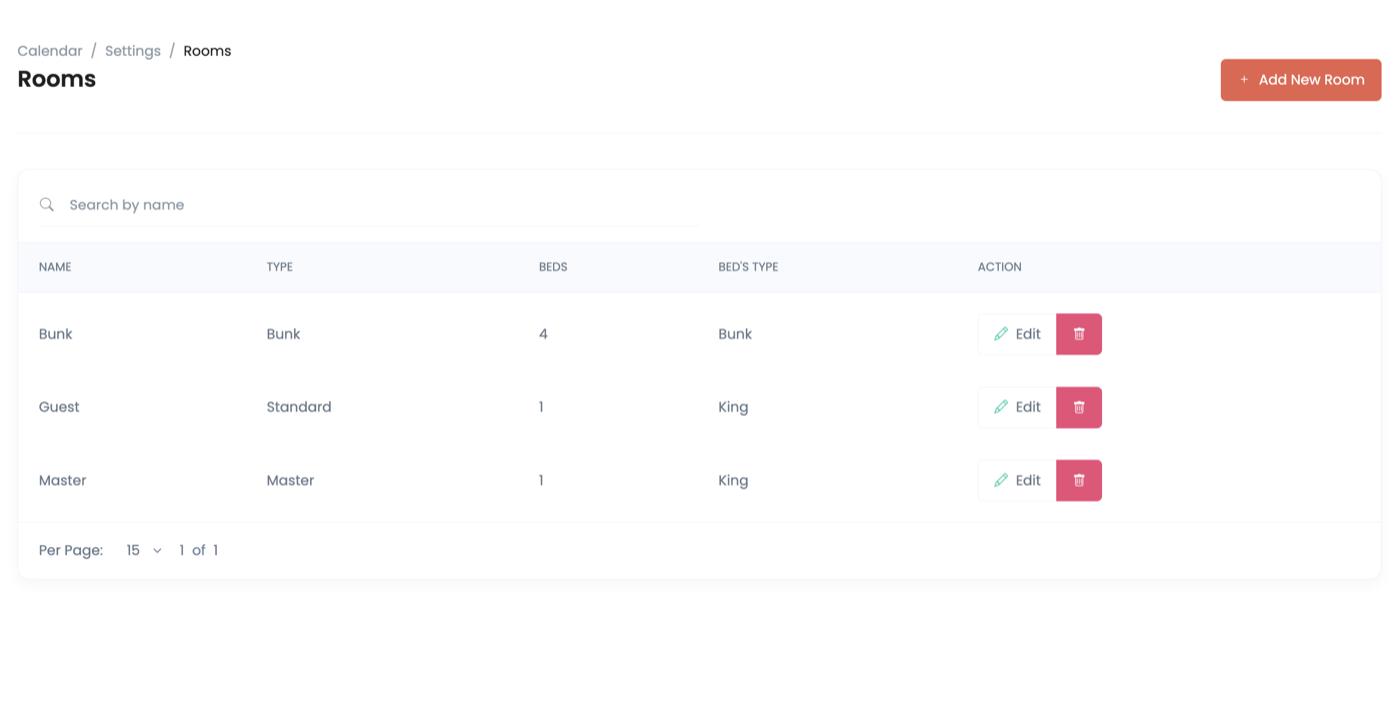
When the whole family descends on the house at once, who sleeps where matters. Define the rooms your house has for sleeping and how many people fit in each, then let vacationers mark rooms as occupied for any stretch of their stay. Nobody arrives to find someone else's bags already on their bed — and nobody gets surprised by the bunk room.
Booking Management
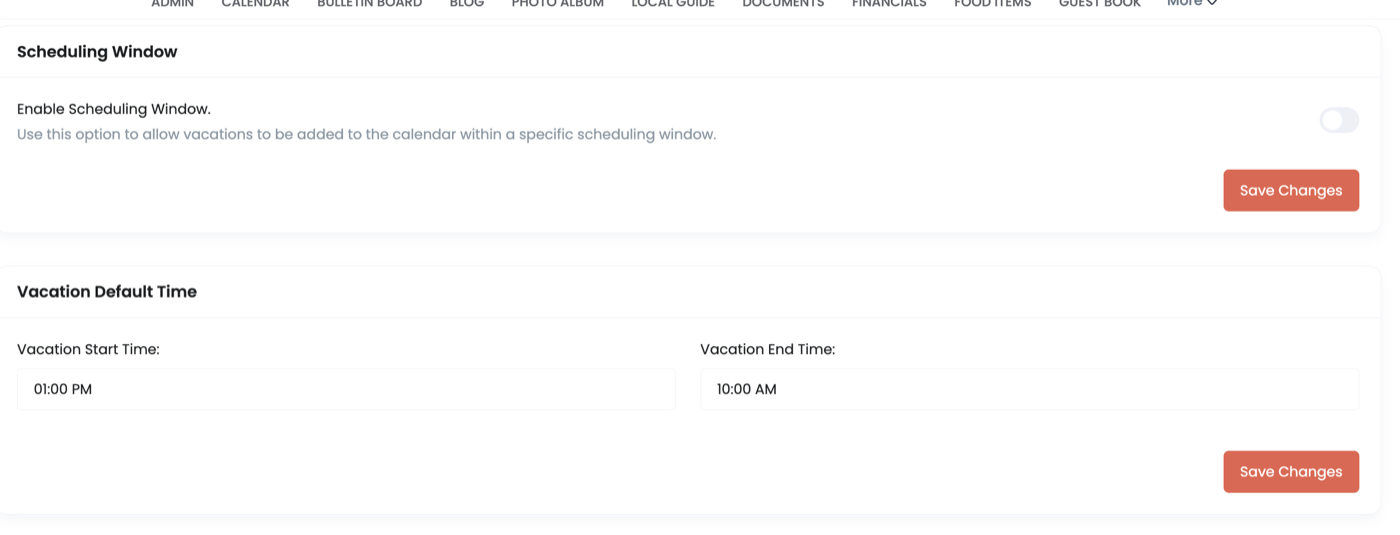
You control how the house gets booked. Set a maximum vacation length so no one can camp out for the whole summer, and open scheduling windows so vacations can't be booked too far ahead — everyone gets a fair shot at the best weeks. Combined with overlap rules and approvals, the calendar runs exactly the way your family agreed it should.
Multiple Houses
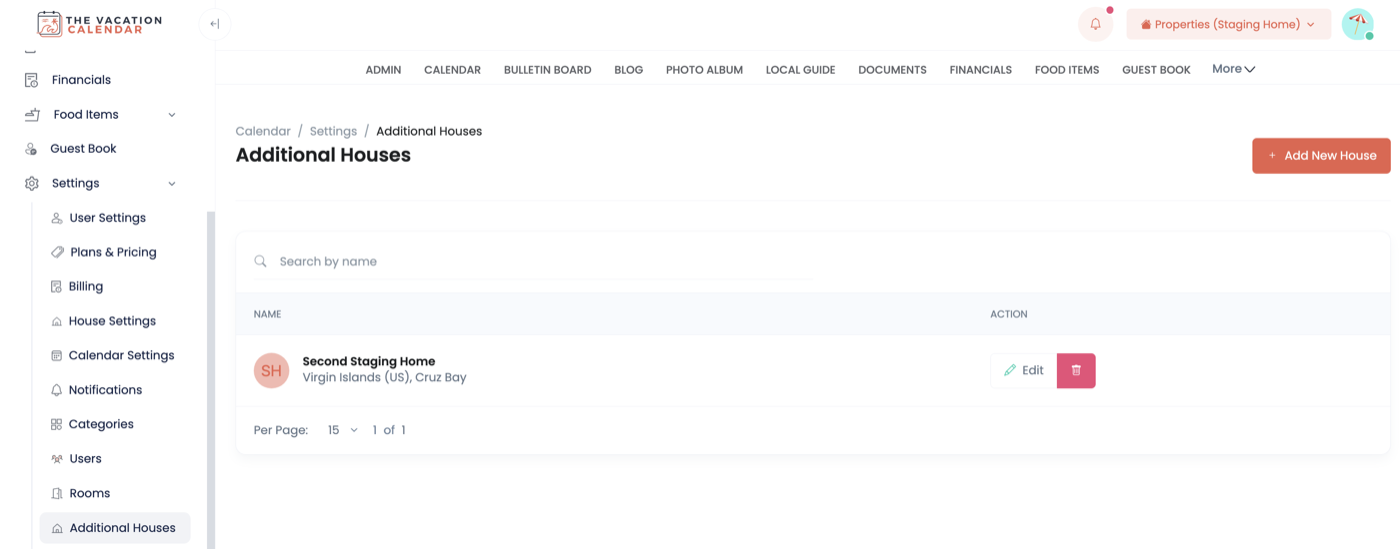
A beach house and a ski house? A cabin and a guest cottage? Add multiple properties to your site and manage everything with a single account — each house with its own calendar, content, and settings. Best of all, one consolidated calendar view shows availability across every house, so planning the next getaway takes one look, not five logins.
Notifications
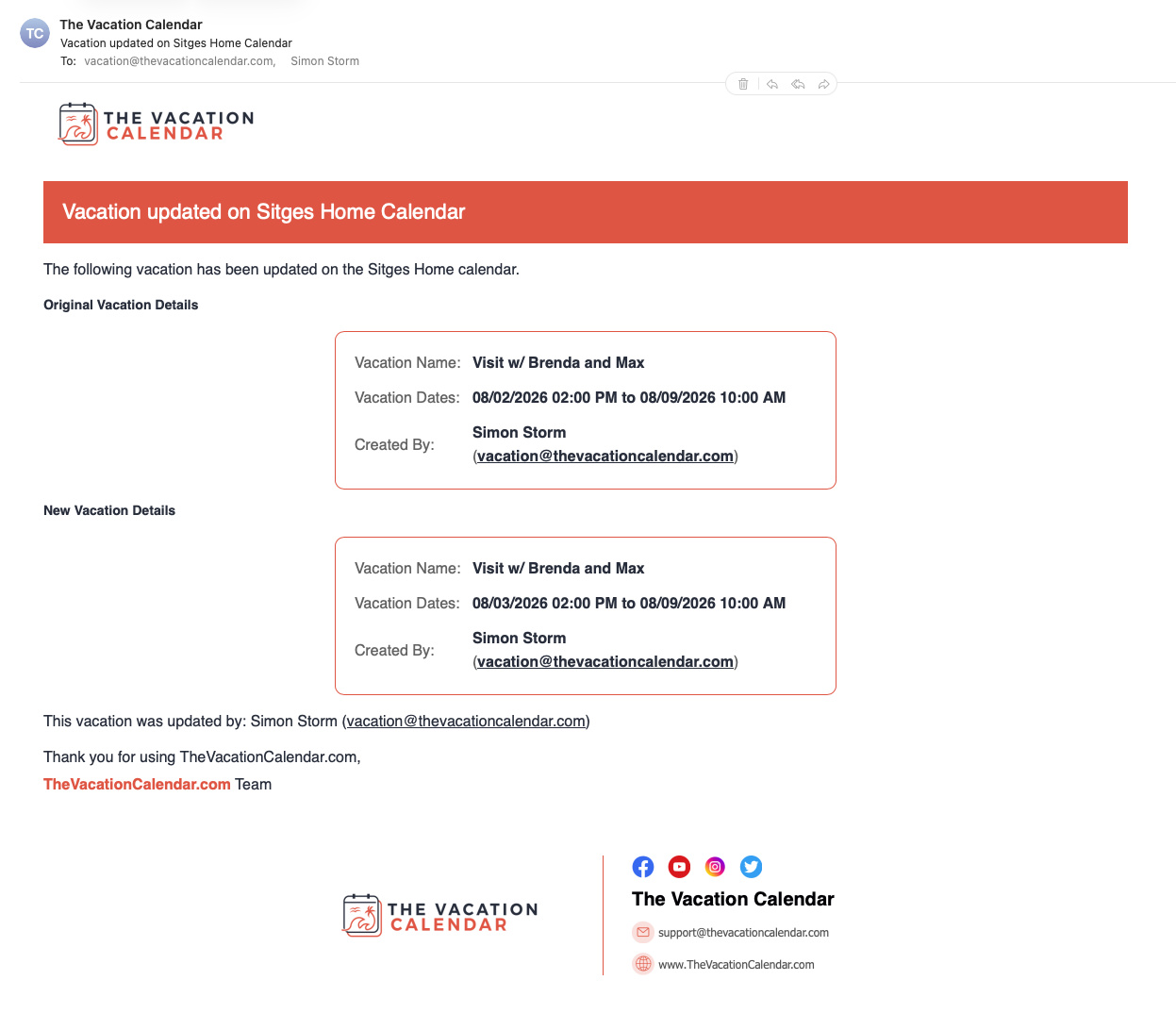
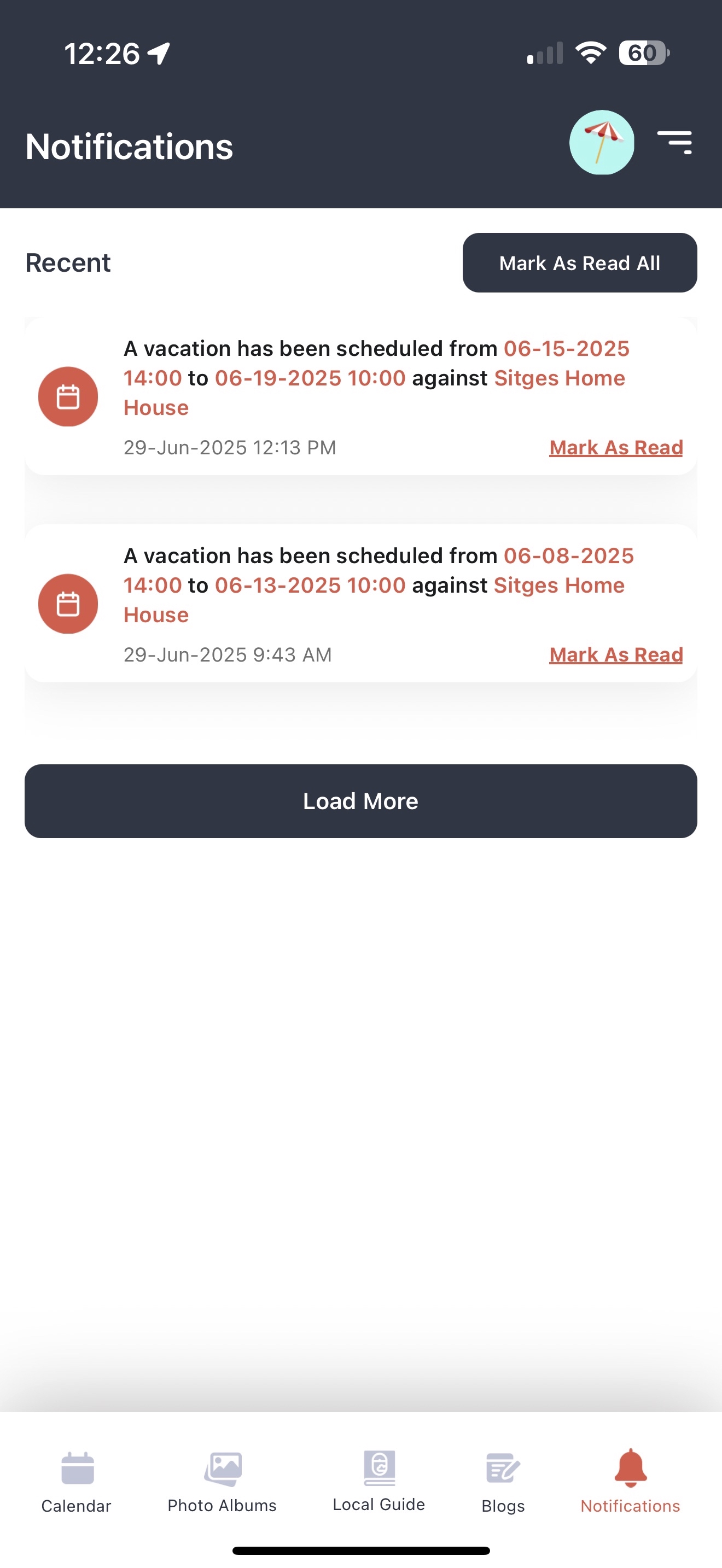
Most families don't log in every day — so let the site come to you. You can be notified about almost any activity on the site: vacations scheduled, updated, or deleted; vacation requests waiting for approval; new photos in the album; blog posts; bulletin board updates; guest book entries and more. Each type of notification has its own email list, so the right people hear about the right things — and no one finds out the summer is fully booked after the fact.
Guest User Access
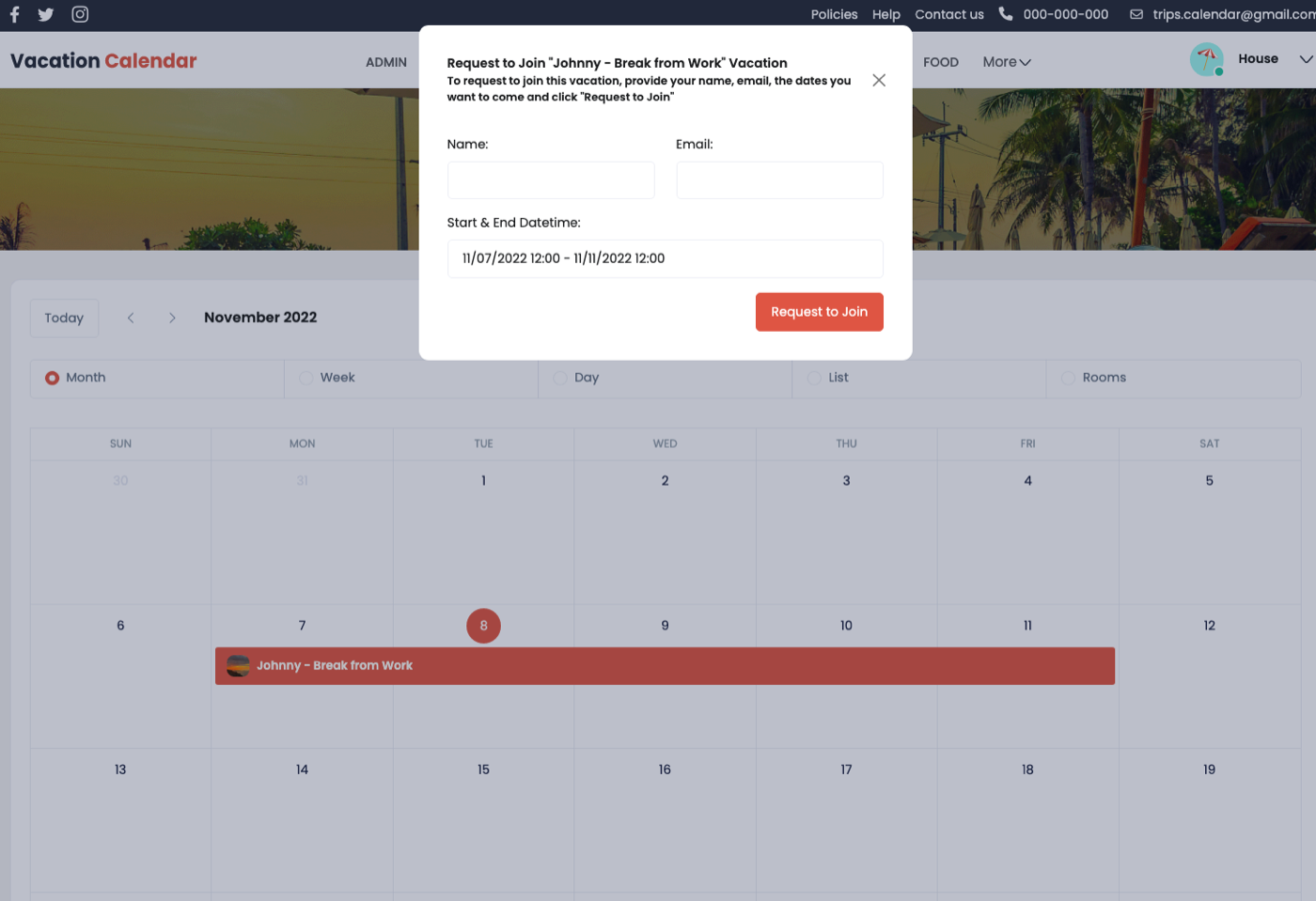
Not everyone needs the keys — some people just need a window. The Guest User is a single shared password for anyone you want to see your vacation home site without full scheduling rights. By default, Guests can request to join an existing vacation, or spot an open week and ask to use the house — and the family decides. Prefer less back-and-forth? Flip one setting and Guests can book right on the calendar: each booking goes through Administrator approval, and once approved it lands on the calendar and the guest is emailed automatically.
Food & Shopping Lists
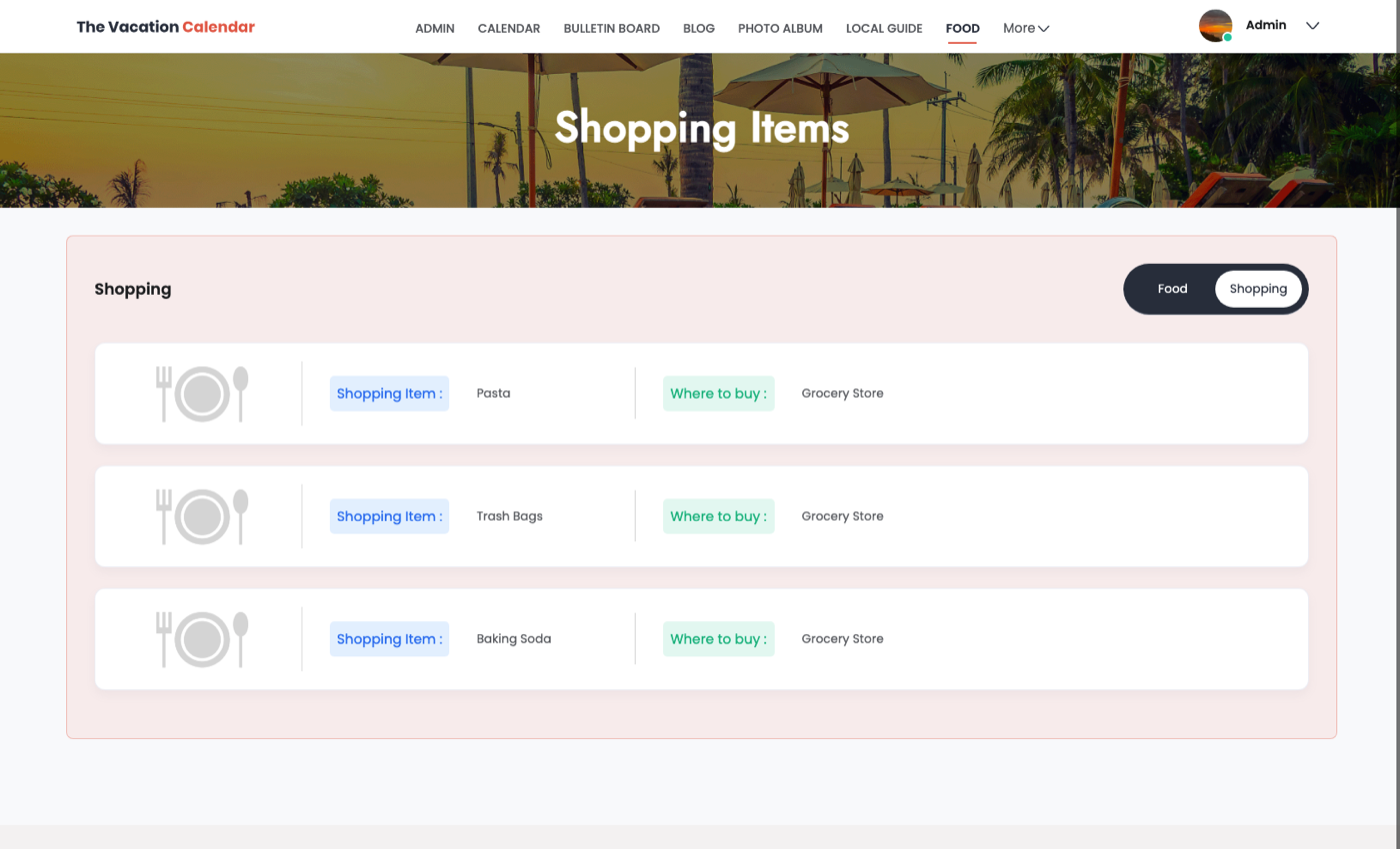
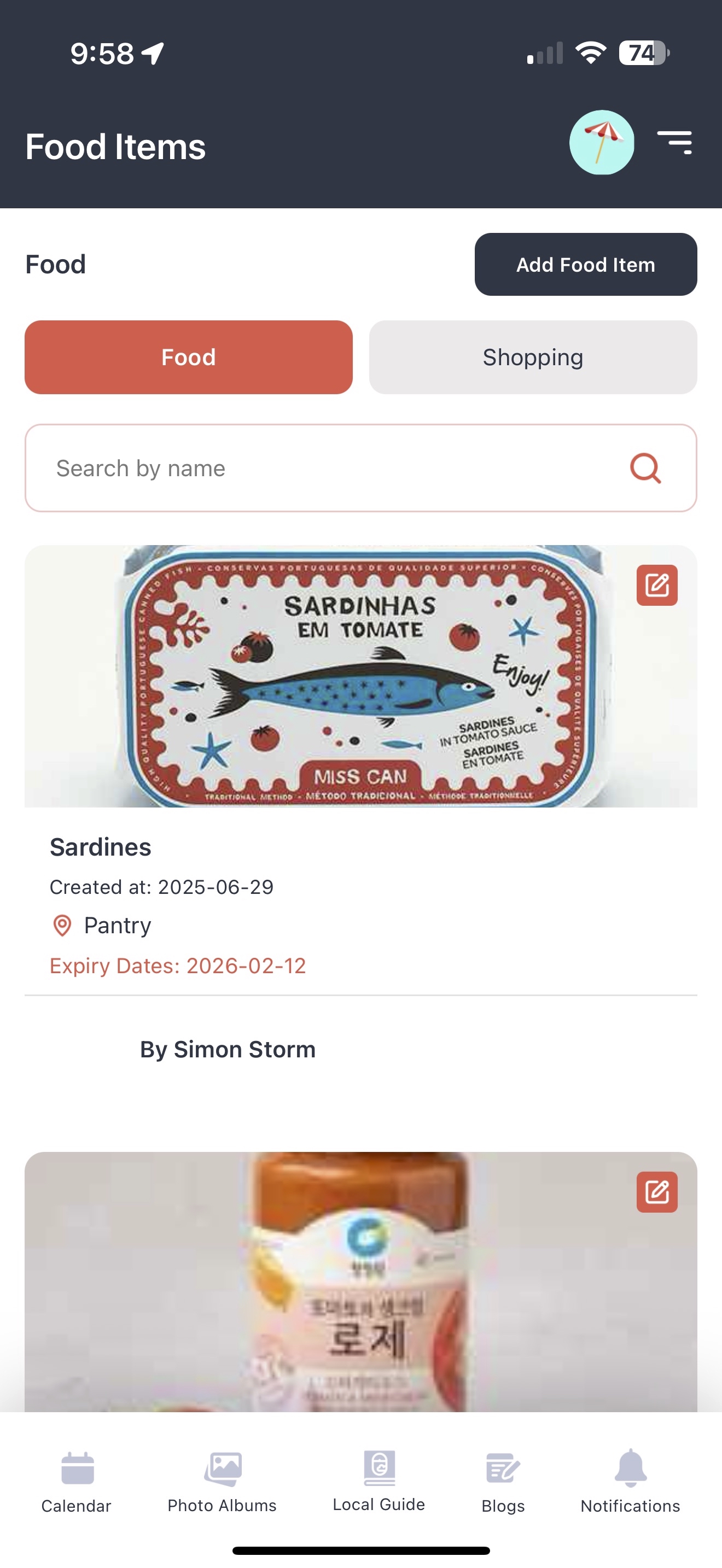
Nothing beats arriving to a stocked kitchen — except knowing what to shop for before you leave home. The food list tracks what's already at the house, and the shopping list tracks what needs picking up, so the first night's dinner isn't three jars of mustard and no bread.
Calendar Import
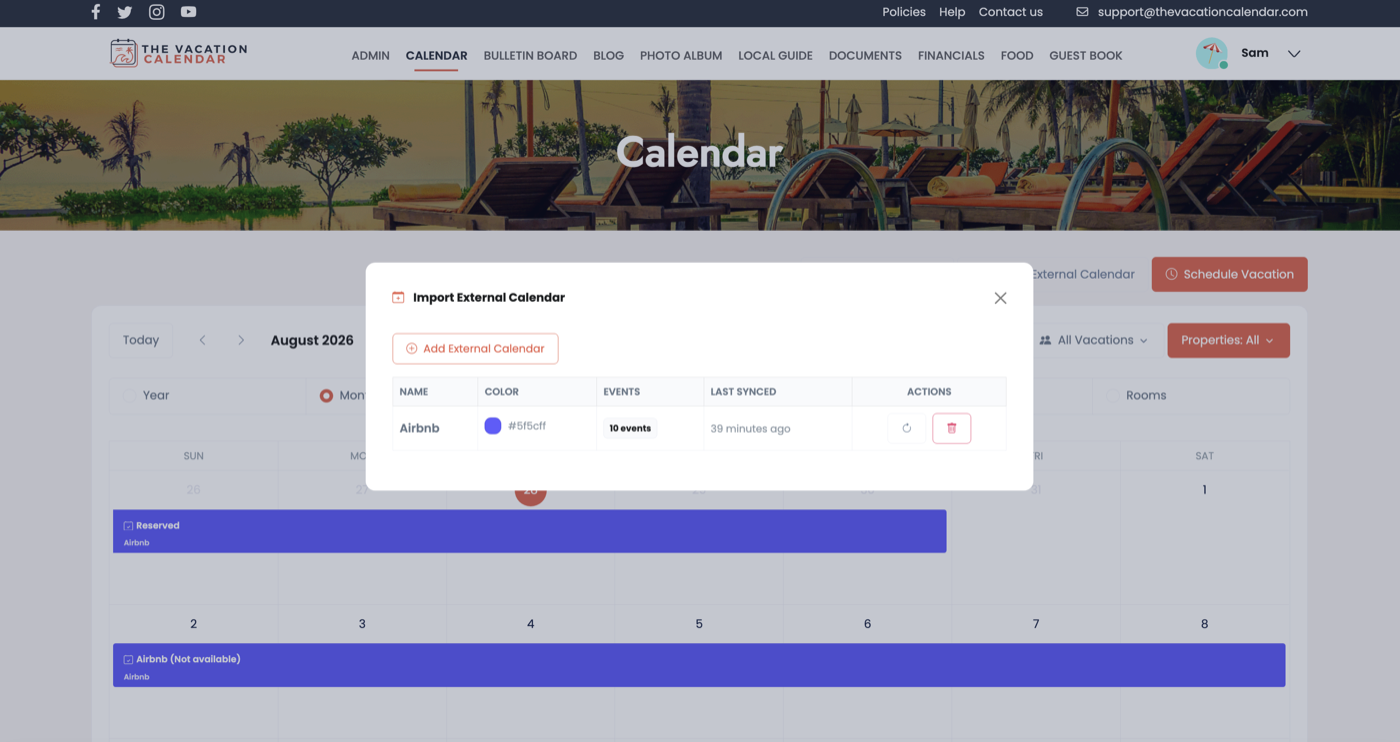
Renting your place on Airbnb or VRBO? Import those bookings straight into your house calendar using standard iCal feeds. Imported reservations appear right alongside your family's vacations — each feed in its own color — so everyone sees the complete picture and nobody double-books the house.
Calendar Export
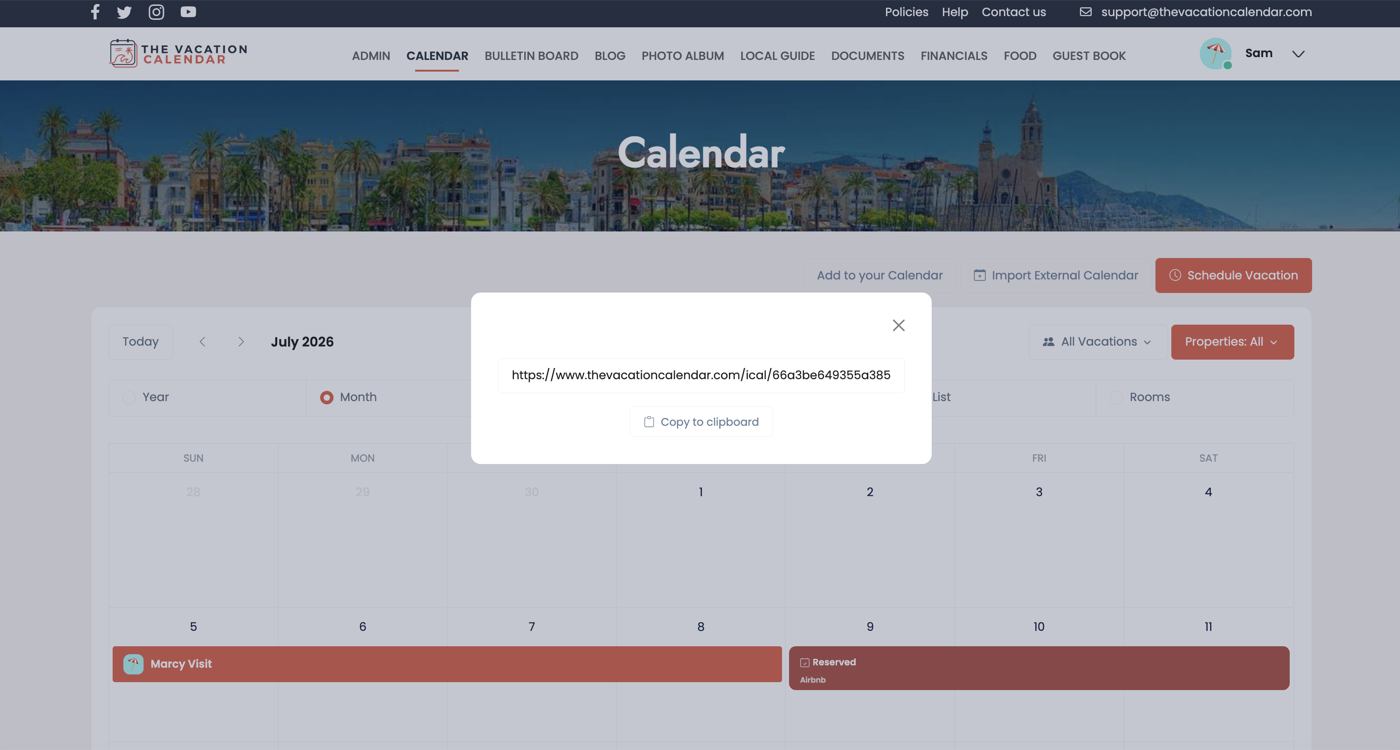
Your family already lives in a calendar app — so put the vacation home there too. Export your house calendar to Google Calendar, Apple Calendar, Outlook, or any app that supports iCal, and every vacation and event at the house shows up in the calendar you already check every day. All your information, visible in one place.
US & International Formats
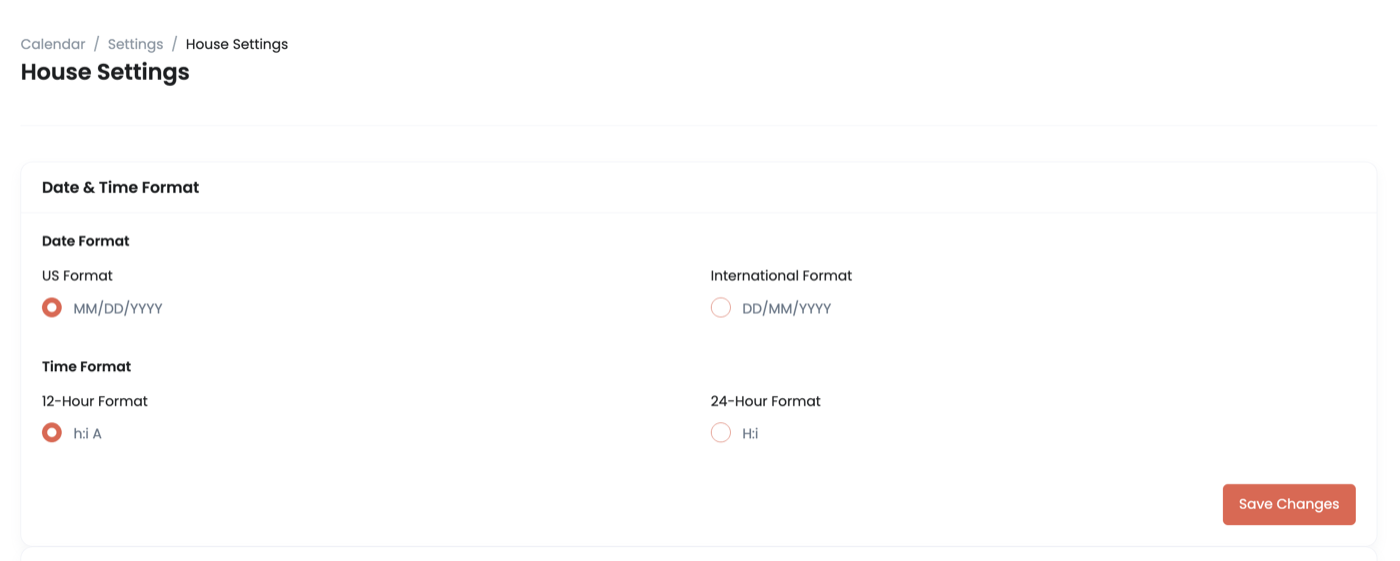
Families are international these days. Administrators can set the date format (US or international) and clock style (12-hour or 24-hour) for their house, so whether your family reads 07/28/2026 or 28/07/2026, the calendar reads the way you expect.
Subscription Management
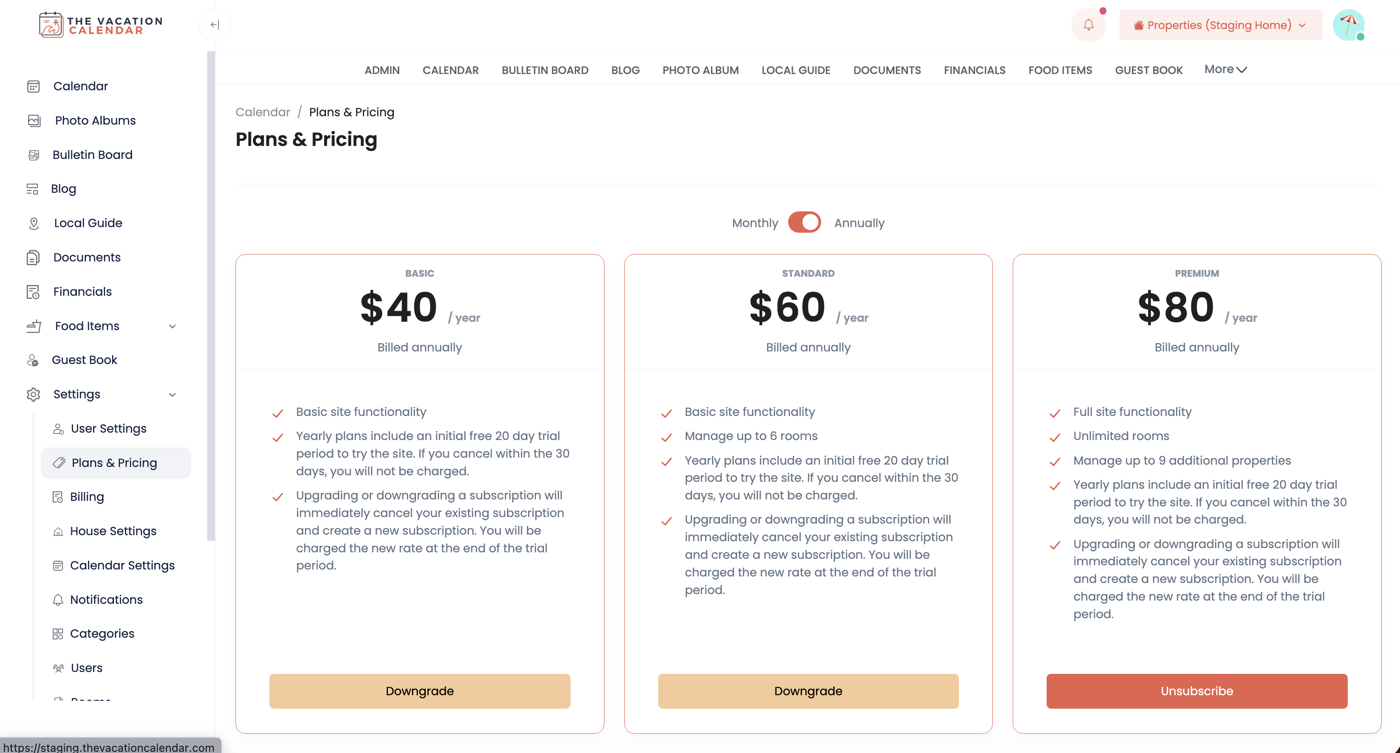
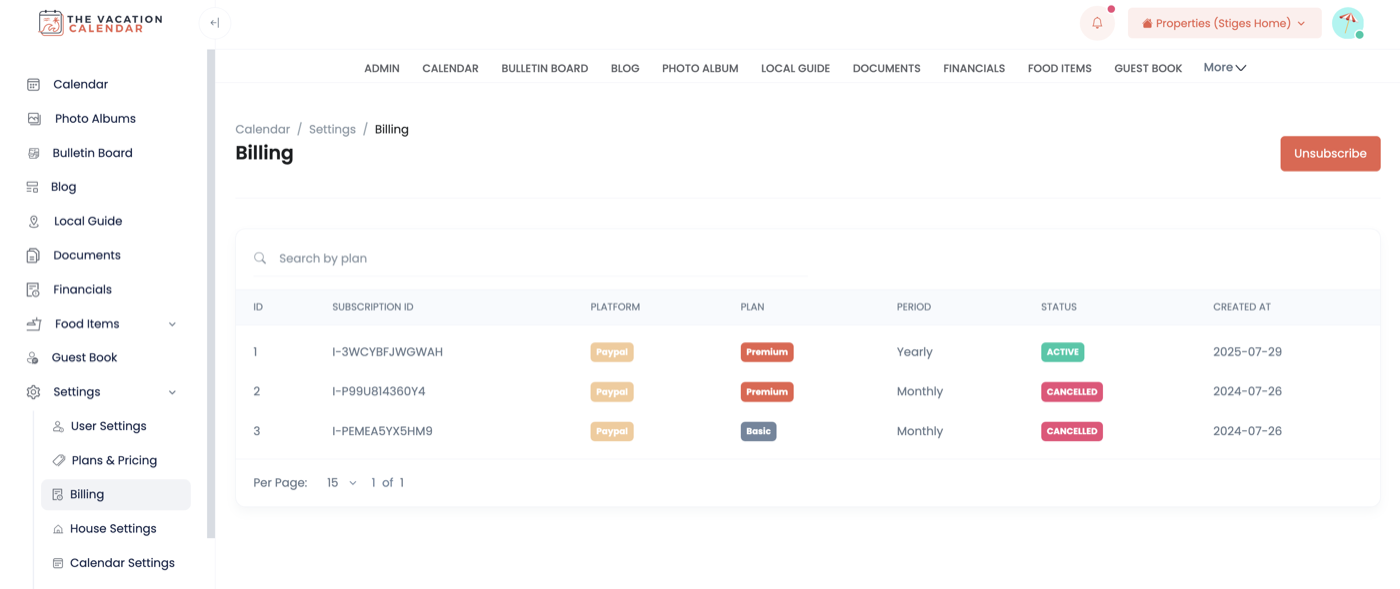
Simple, flexible pricing. Choose the plan that fits your home — Basic, Standard (adds room booking), or Premium (adds multiple properties) — and pay monthly or annually. Upgrade, downgrade, or manage your subscription any time right from the site.
Audit History
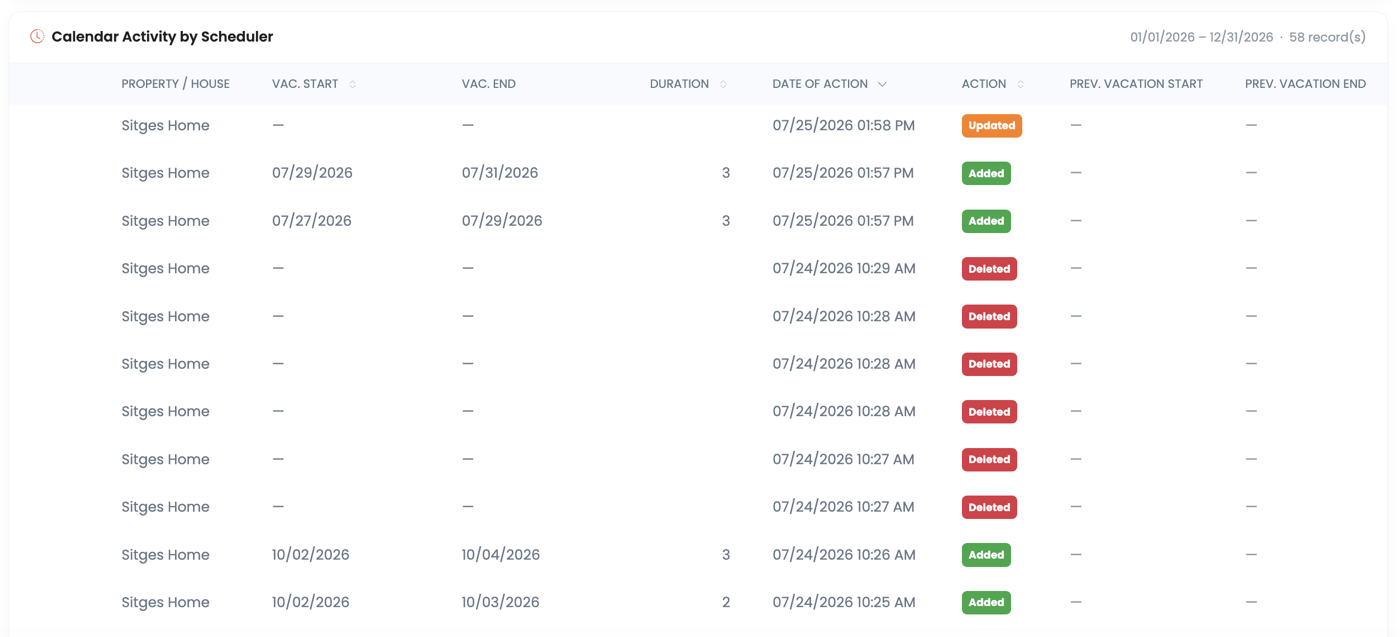
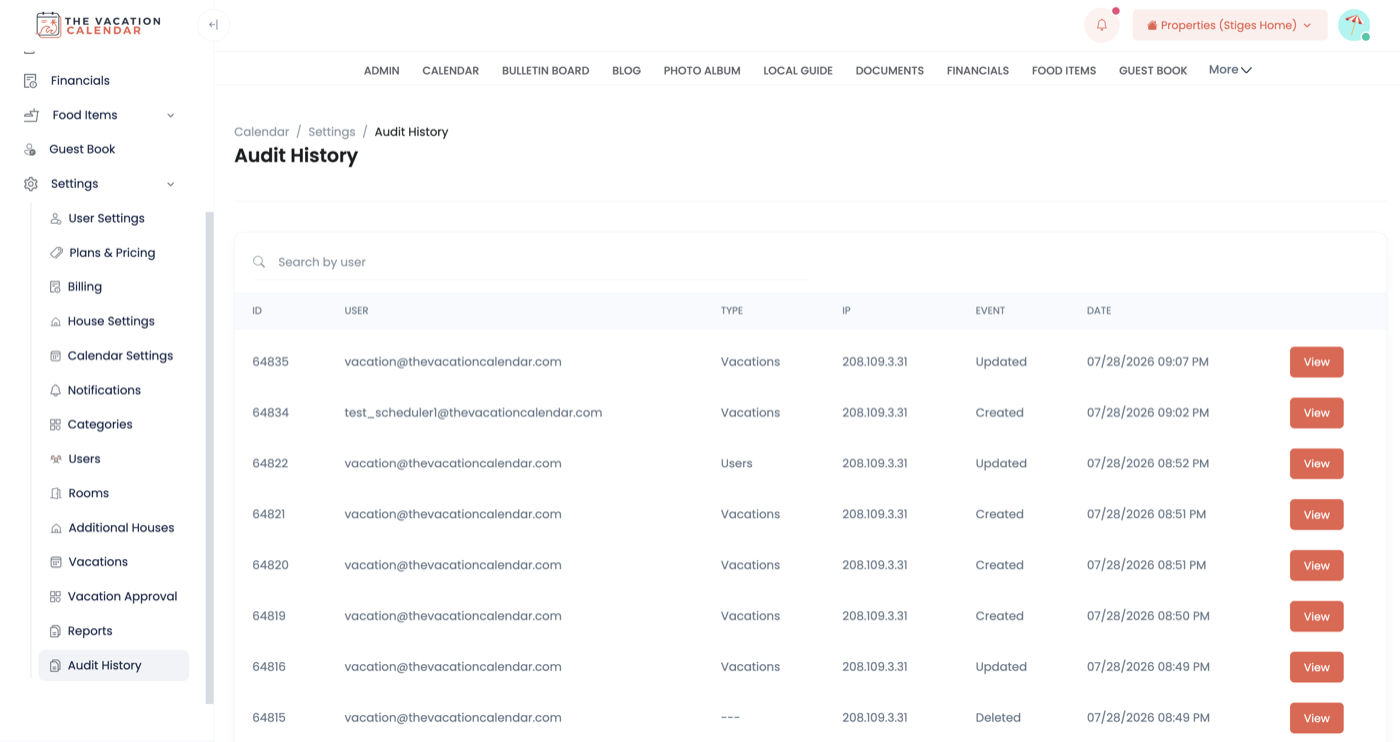
Vacations evolve — someone books, a start date slips, a stay gets extended. The Calendar Activity report is the easiest way to see how the calendar has changed: when a vacation was created, whether it started or ended later than planned, and who made each change. And for the technically inclined, the full Audit History keeps a detailed record of changes across the site for when you want to dig into exactly what happened on your account.
Your house, your rules — set it up your way.
GET STARTEDTake the house with you
The Vacation Calendar app for iPhone and Android puts the calendar, photos, and everything else about your vacation home in your pocket.


